Blog post
WhatsApp for Real Estate: Turn Enquiries into Site Visits
A five-stage WhatsApp playbook for property teams: reply fast, qualify buyers, share the right brochure, book site visits and follow up until they decide.
Using WhatsApp for real estate means answering property enquiries within minutes, qualifying buyers on budget, location and configuration inside the chat, and moving serious buyers to a site visit before a competing project calls them back. Most Indian buyers already message brokers and developers on WhatsApp. The gap between a full visit calendar and a dead lead list is usually how fast and how consistently your team replies.
This guide walks through the whole path, from the first "Is this still available?" message to the follow-up after a site visit. It works whether you are a two-person brokerage or a developer running several launches a year.
Why do property enquiries go cold so quickly?
A property buyer rarely enquires about one project. They tap three or four ads in an evening, message every number, and book visits with whoever answers first with useful details. If your reply arrives the next morning, the buyer has often shortlisted someone else.
Three problems cause most lost enquiries:
- Slow first replies. Enquiries arrive at night and on weekends, when the sales team is offline.
- Scattered chats. Each agent uses a personal phone, so nobody can see who replied, what price was quoted or which brochure was sent.
- No follow-up rhythm. A buyer who said "will discuss with family" gets one reminder, then nothing.
Moving to one shared business number on the WhatsApp Business Platform fixes the second problem straight away. A number can run on the WhatsApp Business app or on the platform, not both at once, so plan the switch before a launch rather than in the middle of one. You will also need a Meta Business Portfolio and a WhatsApp Business Account to connect it.
What does a good enquiry-to-site-visit flow look like?
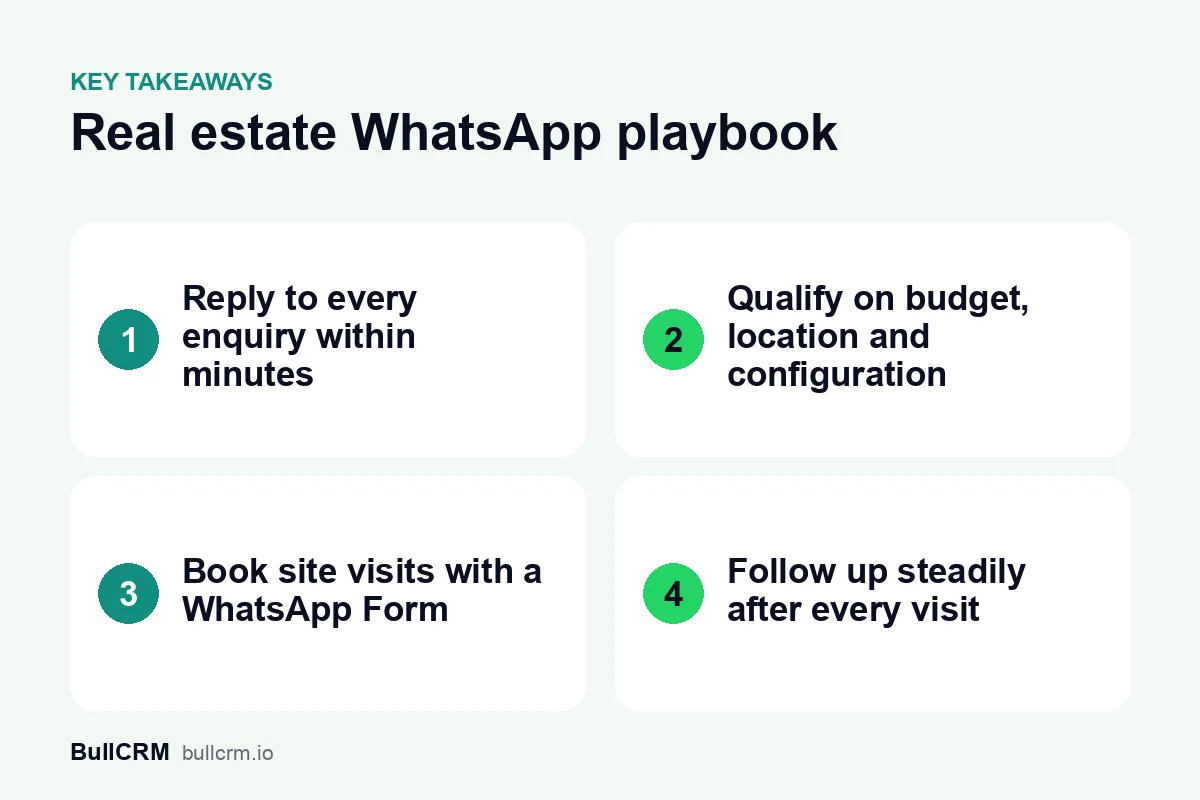
A good flow has five stages, and each one has a clear job: reply, qualify, share, book and follow up. Writing them down gives every agent the same playbook, and it shows you exactly where buyers drop out.
| Stage | What the buyer wants | What you send | Who handles it |
|---|---|---|---|
| Reply | Proof that someone is listening | Welcome message with two or three quick options | Automation |
| Qualify | Only relevant options | Questions on budget, location and configuration | Chatbot or AI agent |
| Share | Evidence the project fits | Brochure, floor plan, photos, price sheet | Bot first, then agent |
| Book | A convenient visit slot | A form asking for preferred date and time | Agent confirms |
| Follow up | Help deciding | Timed messages, updates, answers to objections | Agent with automation |
For example, a developer in Lucknow launching a tower of 2 and 3 BHK flats might let automation handle the first two stages around the clock. Agents then step in at the share stage with the right floor plan and take ownership of the visit booking.
How do you qualify a property buyer in the chat?
Qualification is where most sales time is wasted. An agent spends twenty minutes with a buyer whose budget is half the starting price, while a ready buyer waits. Four short questions up front save that time for both sides.
The four questions worth asking
- Budget range. Offer buttons such as "Under ₹60 lakh", "₹60 lakh to ₹1 crore" and "Above ₹1 crore" instead of asking for a number.
- Preferred location. List only the micro-markets where you actually have inventory.
- Configuration. 1, 2 or 3 BHK, a plot, or commercial space.
- Timeline. Ready to move, within six months, or just exploring.
In BullCRM's WhatsApp Hub, you can build these questions as a no-code flow or give them to an AI agent trained on your project details. The WhatsApp setup for real estate teams shows how qualification, brochure sharing and agent routing fit together on one number. Our guide to designing a WhatsApp chatbot covers how to write that first flow.
When to hand over to a person
Hand over as soon as the buyer asks about negotiation, home loans, legal titles or anything the bot cannot answer from your documents. Pass the answers collected so far along with the chat, so the agent never repeats a question. Buyers forgive a bot that asks good questions, but not being asked the same thing twice.
How should you share brochures, floor plans and visit slots?
Once a buyer is qualified, send material that matches their answers, not your entire project kit. A 3 BHK buyer with a ₹1.2 crore budget needs that floor plan, the payment schedule and a few site photos. A 40-page brochure sent to everyone buries the pages that matter.
- Inside the 24-hour window that opens when the buyer messages you, agents can send documents, images and free-form replies.
- Outside the window, a business-initiated message needs an approved template. Templates can carry a media header, such as a project image.
- For several projects, listings can also be shared from a catalog so buyers browse inside WhatsApp.
Booking the site visit
Ask for the visit with a WhatsApp Form instead of a long back-and-forth. The form collects the preferred date, time slot and number of visitors inside the chat. Your agent confirms the slot against the site team's own schedule, then sends the location pin and the name of the person who will meet the buyer.
Where do Click-to-WhatsApp ads fit in a project launch?
Click-to-WhatsApp ads on Facebook and Instagram open a chat with your number instead of a landing page. That suits property launches, because the buyer can ask a question at once instead of filling a form and waiting for a call. You create and pay for the ads in Meta Ads Manager, and your inbox handles what arrives.
With Click-to-WhatsApp ad lead capture, each chat that starts from an ad is saved as a lead with the ad headline, creative and source attached. That tells you whether the "possession in 2027" ad or the "no brokerage" ad brought serious buyers. Ad spend and cost per lead stay in Meta Ads Manager, so put the two reports side by side each week.
Conversations that start from these ads get a free entry period of 72 hours, and that period does not count toward the monthly free service allowance. The full guide to Click-to-WhatsApp ads explains how to write a first reply that makes good use of that window.
How do you broadcast new launches without annoying buyers?
A broadcast is the fastest way to tell past enquirers about a new tower, a price revision or a festive offer. It is also the fastest way to get blocked if it goes to everyone, every week. Customers must opt in before you message them, and the WhatsApp Business messaging policy sets out what businesses may send.
Segment before you send. A buyer who asked about plots in one locality does not want a launch message about shops across the city. Use the qualification answers you already hold, such as budget, location and configuration, to build each list.
What a launch broadcast costs
Messages are charged per delivered message, by template category and by the recipient's country. At the time of writing (October 2026), BullCRM charges ₹0.9494 for a Marketing message delivered to an Indian number and ₹0.1438 for a Utility message. Check the current WhatsApp rates by country before you budget, and Meta's WhatsApp pricing documentation explains how each category is billed.
For example, a launch broadcast to 2,000 opted-in buyers with 1,900 delivered would cost about ₹1,804 in Marketing charges. Afterwards, retarget the people who did not read it with a second, different message rather than repeating the first.
How should you follow up after the site visit?
The visit is where interest turns into a decision, and that decision usually takes days or weeks. Buyers compare projects, talk to family and check home-loan eligibility. Your follow-up needs to be steady without feeling like pressure.
- Same day: thank the buyer, share the price sheet for the unit they saw and name their agent.
- Day two or three: answer the objection raised at the site, such as parking, possession date or maintenance charges.
- End of week one: share something new, such as a construction update or a payment plan option.
- After that: a check-in every week or two until they book or say no.
Sequences in WhatsApp Hub chain messages and wait steps. Each wait step can last up to 24 hours, so chain several to space follow-ups across days. The guide to sales follow-up automation covers cadences that still feel human.
Track each buyer as a deal as well. Lead and pipeline management in the CRM lets you qualify a lead into an opportunity and move the deal through stages you name yourself, such as "Visit done", "Negotiation" and "Booking amount paid".
Frequently asked questions
Can I send property brochures on WhatsApp?
Yes. Inside the 24-hour customer service window you can send PDFs, floor plans and photos directly in the chat. Outside it, use an approved template, which can include a media header such as a project image.
Can a chatbot qualify real estate buyers?
Yes. A flow or an AI agent can ask about budget, location, configuration and timeline before handing the chat to an agent. Keep the questions short and offer buttons, so buyers answer in a few taps.
Can several agents share one WhatsApp number?
Yes. A shared team inbox on the WhatsApp Business Platform lets several agents answer from one number with assignment rules and internal notes. Buyers see one consistent number, and managers see every conversation.
How do I know which ad brought a buyer?
When a chat starts from a Click-to-WhatsApp ad, Meta can include the ad details with the message. WhatsApp Hub saves the ad and source on the lead, so you can see which campaigns brought buyers who booked visits.
Fast replies, sharp qualification and patient follow-up sell more property than any single ad. Start with the five-stage flow above, then automate one stage at a time. You can start a 30-day free trial of BullCRM and connect your number before your next launch.