Blog post
What Is WhatsApp Business API? How It Works for Indian Businesses
A plain-language guide to the WhatsApp Business API for Indian businesses: what it is, what you need to start, how the 24-hour window works and what it costs.
What is the WhatsApp Business API? It is the version of WhatsApp built for businesses that need more than one phone, and Meta now calls it the WhatsApp Business Platform. It lets a whole team answer customers from one number, automate replies and send approved template messages to customers who have opted in. You do not install it like an app; you use it through a provider's software, which adds an inbox, contacts and reports on top of Meta's platform.
This guide explains how the API works in plain terms, what you need before you start, how the 24-hour customer service window shapes your day and what it costs in India. It is written for owners and managers of small and mid-size businesses deciding whether the WhatsApp Business app is still enough.
How does the WhatsApp Business API work?
Think of it as three layers. Meta runs the messaging network, sets the rules and decides how messages are priced. A provider connects to Meta and gives your team the screens it works in. Your business owns the number, the brand name customers see and the customer relationship.
When a customer sends you a message, it travels from their WhatsApp app through Meta's platform to your provider's inbox. When an agent replies, the message goes back the same way. Your customers keep using the WhatsApp app they already have.
Because no single handset sits in the middle, several people can work the same number at once, and software can reply when nobody is at a desk. That is the main practical difference from the WhatsApp Business app, which lives on a phone. Meta's WhatsApp Business Platform overview describes the same setup from the developer side.
What do you need to get started?
You need four things, and the first two are accounts with Meta. Involve the owner or a director early, because the Meta accounts should belong to the company rather than to whoever sets them up.
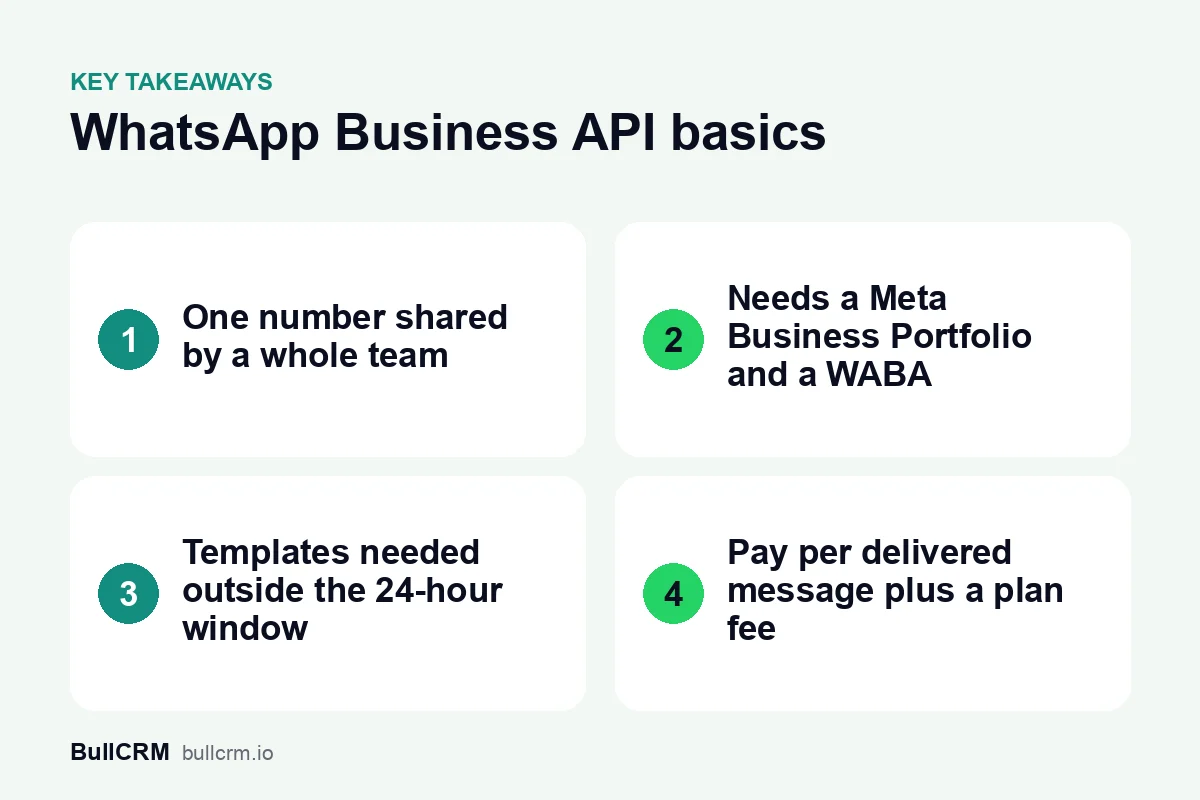
- A Meta Business Portfolio. This is the business account, formerly called Business Manager, that holds your company's Meta assets. If you already run Facebook or Instagram ads, you probably have one.
- A WhatsApp Business Account (WABA). It sits inside the portfolio and holds your WhatsApp numbers and message templates.
- A phone number. It can be a new number or one you move off the WhatsApp Business app. A number can be on the app or on the platform, but not both at the same time.
- A provider. This is the software your team uses to send and receive messages, manage templates and read reports.
With BullCRM WhatsApp Hub, you connect your own Meta Business account and phone number, so the WhatsApp Business Account stays under your company's portfolio. Set it up in the company's name rather than an employee's personal profile, and give at least two trusted people admin access.
Sort out opt-in before your first message
Customers must opt in before you send them business-initiated messages. Collect consent wherever you collect numbers: a website form, the billing counter or the chat itself. WhatsApp's Business Messaging Policy sets out what businesses may send, so read it once before you plan campaigns.
App or API: which one fits your business?
The WhatsApp Business app works well when one person answers chats on one phone. A boutique owner replying between customers, or a tutor handling a few enquiries a day, may never need more. The API starts to pay off when several people need the same number, when replies must go out after hours, or when you want to reach hundreds of opted-in customers at once.
A quick test: if you have ever passed the shop phone to a colleague so they could answer a chat, you have already felt the limit of the app. We compare the two side by side, with a checklist for moving a number, in WhatsApp Business app vs API: which one you need.
How does the 24-hour customer service window work?
When a customer messages you, a 24-hour customer service window opens. Inside it, your team can reply with normal messages such as text, images and documents. Outside it, a business can only start the conversation with an approved message template.
Templates are pre-written messages with blanks for details such as a name or an order number. Each one is approved before use and carries a category: Marketing, Utility or Authentication. The category decides the price, and replies inside the window are billed as Service messages.
The window shapes how you staff WhatsApp. If an enquiry arrives at 8 pm and nobody replies until 9 pm the next day, the window has closed and you need a template to reach that customer. Our guide to the WhatsApp 24-hour customer service window covers what to send inside and outside it.
What can a team do with the WhatsApp Business API?
The platform itself is plumbing; what your team actually gets depends on the provider. These are the features Indian small businesses tend to set up first, described as they work in WhatsApp Hub.
One number, many agents
A shared team inbox for WhatsApp lets several agents answer from the same business number. Chats can be shared round-robin or kept with a single owner, and agents leave internal notes that customers never see. For example, a coaching institute in Pune might send fee questions to its accounts desk and course questions to counsellors, all on one number.
Broadcasts to opted-in customers
A broadcast sends an approved template to a list or segment of opted-in customers. A D2C brand could announce a new collection to past buyers, then check sent, delivered, read and replied for each recipient. In WhatsApp Hub, opt-out and compliance checks run before a campaign goes out.
Chatbots and automation flows
A no-code flow builder can greet new chats, ask qualifying questions and hand the conversation to a person. AI agents answer only from the knowledge base, documents and FAQs you give them. Welcome and away messages cover the hours when nobody is online.
Ad leads and CRM records
Click-to-WhatsApp ads on Facebook and Instagram open a chat instead of a website. WhatsApp Hub saves the ad each lead came from, and each new number becomes a CRM contact on its first message, so sales can follow up with context.
What does the WhatsApp Business API cost in India?
There are two separate costs: a charge for each delivered message, based on the message category and the recipient's market, and a plan fee for the software. On BullCRM, both come from BullCRM, and messages are paid from your WhatsApp credits at BullCRM's rates. At the time of writing (October 2026), the main figures for Indian numbers look like this:
| Cost | Who sets it | How it is charged | On BullCRM today |
|---|---|---|---|
| Messages | Your provider, on Meta's pricing model | Per delivered message, by category and market | Marketing ₹0.9494; Utility, Authentication and Service ₹0.1438 each |
| Free Service messages | Meta | 1,000 per number each month, no rollover | Then ₹0.1438 per Service message |
| Click-to-WhatsApp ad chats | Meta | Free entry period after an ad click | 72 hours, outside the monthly free allowance |
| Platform plan | Your provider | Monthly or yearly fee, plus GST | WhatsApp Hub from ₹749 a month |
WhatsApp Hub plans run from ₹749 to ₹1,499 a month before GST, and every plan starts with a 30-day free trial. Compare what each includes on the WhatsApp Hub pricing page, which always shows current figures.
In India a Marketing message costs more than six times a Utility message, so the size and targeting of your broadcasts usually matter more than the plan you pick. For a full breakdown with a worked monthly bill, read WhatsApp Business API pricing in India.
A first-week setup checklist
Once you decide to move, a short plan avoids missed chats during the switch. Work through these steps in order:
- Pick the number you will use, and note whether it must come off the WhatsApp Business app first.
- Confirm your Meta Business Portfolio is in the company's name, with two admins.
- Connect your WhatsApp Business Account to your provider and invite your team.
- Write three or four templates you know you will need, such as an order update and a follow-up, and submit them.
- Turn on welcome and away messages so first-time chats always get a reply.
- Agree who answers which kind of chat, and how quickly.
- Start recording opt-in wherever you collect phone numbers.
Frequently asked questions
Is the WhatsApp Business API free?
No. Each delivered message is charged (on BullCRM, from your WhatsApp credits), although each number gets 1,000 free Service messages a month and chats from Click-to-WhatsApp ads are free for 72 hours. Providers also charge for their software.
Can I keep my current WhatsApp number?
Yes, if you move it off the WhatsApp Business app first. A number can be on the app or the platform, not both at once. Plan the switch for a quiet day and let regular customers know replies will now come from your team.
Do I need a developer?
Not for the basics. In WhatsApp Hub, the inbox, automations, AI agents and broadcasts are all set up without code. You only need technical help if you want your own systems to trigger messages through webhooks.
Is the WhatsApp Business API the same as the WhatsApp Business Platform?
Yes. "WhatsApp Business API" is the older name most people still search for, and WhatsApp Business Platform is the name Meta uses today. Both refer to the same service for businesses.
If your team is outgrowing a single phone, the API is the natural next step, and you can test the software before choosing a plan. Start your 30-day free trial of WhatsApp Hub and connect your number.