Blog post
Click to WhatsApp Ads: Turn Ad Taps into Tracked Leads
How Click to WhatsApp ads turn Facebook and Instagram taps into leads, plus a first-reply playbook and a simple way to measure cost per lead.
Click to WhatsApp ads are Facebook and Instagram ads whose button opens a WhatsApp chat with your business instead of a landing page. For an Indian small business, that turns a passing scroll into a real conversation on the app your customers already use every day. Whether the ads pay off depends on what happens after the tap: saving where the lead came from, replying while interest is high, and working out what each lead actually cost you.
This guide walks through the full journey, from the ad click to a measured cost per lead, with a reply playbook you can copy.
How do Click to WhatsApp ads work?
You create the ad in Meta Ads Manager and choose WhatsApp as the destination, using your business number. When someone taps the button, WhatsApp opens a chat with you, and the conversation continues there rather than on a website.
- The customer sees your ad on Facebook or Instagram and taps the WhatsApp button.
- A chat opens with your business number, and the customer sends the first message.
- Your team replies in WhatsApp, answers questions and moves the person towards a visit, a call, a demo or a purchase.
- You follow up later with approved templates once the free window has closed.
To receive these chats in a team tool rather than on one phone, you need a Meta Business Portfolio, a WhatsApp Business Account and a number connected to the WhatsApp Business Platform. A number can be on the WhatsApp Business app or the platform, not both at once, so plan the move before you launch a campaign.
What does the 72-hour free entry window mean for your budget?
When a customer starts a chat from a Click to WhatsApp ad, the conversation gets a free entry window of 72 hours. Messaging inside that window is free, and it does not count toward the 1,000 free service messages each phone number gets every month.
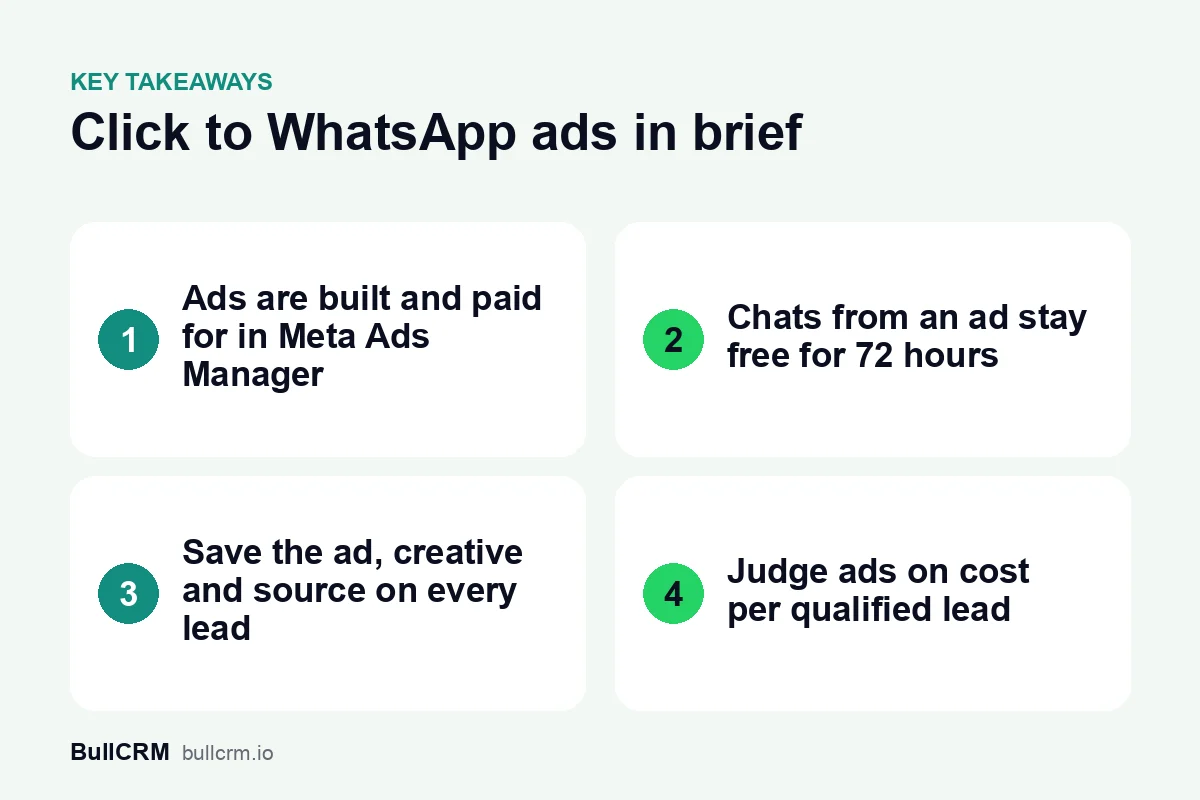
That matters because WhatsApp charges per delivered message, by category and by the recipient's market. The table below shows how the same ad lead costs you differently depending on when you message them. Rates are for recipients in India at the time of writing (October 2026); check the live WhatsApp rates by country before you budget.
| Situation | What you can send | BullCRM cost per delivered message (India) |
|---|---|---|
| Within 72 hours of a chat that started from your ad | Replies and follow-ups in the open conversation | Free, and outside the monthly service allowance |
| Customer messages you directly and you reply within 24 hours | Free-form service replies | First 1,000 per number each month free, then ₹0.1438 |
| After the window has closed | An approved Marketing template | ₹0.9494 |
| After the window has closed | An approved Utility template | ₹0.1438 |
The practical lesson is simple: do your qualifying work inside those 72 hours. For the full picture of categories and monthly bills, read our guide to WhatsApp Business API pricing in India, and see Meta's WhatsApp pricing documentation for Meta's own description of the rules.
How do you capture the ad source on every lead?
Without source capture, a chat from a paid ad looks exactly like any other unknown number. A week later, nobody remembers which creative brought that person in, and you cannot tell a good ad from a poor one.
For every ad lead, try to keep these details together:
- The ad headline and creative the person responded to
- The source link and placement, such as a Facebook ad, a Facebook post, Instagram or WhatsApp status
- The date of the first message
- An owner on your team and a current status
In BullCRM's WhatsApp Hub, chats that start from an ad are saved as ad leads the moment the first message arrives, with the headline, creative and source link stored on the lead. The Click-to-WhatsApp ads lead capture page explains how placements are compared. Placement is recorded when Meta includes it in the message, so a few leads may arrive without it.
Sending ad leads into your CRM
Ad leads are most useful when they sit beside the rest of your pipeline. With the WhatsApp and Click-to-WhatsApp CRM integrations, leads from Facebook and Instagram ads arrive in the CRM with the ad that brought them in. From there, the same rules you use for every enquiry apply, which our lead management process guide covers step by step.
A first-reply playbook for ad leads
The person who tapped your ad is curious, not committed. Your first two or three messages decide whether they keep talking or go quiet, so script them before the campaign goes live.
- Reply quickly and mention the ad. "Thanks for asking about our weekend batch" shows you know what they clicked.
- Ask one question at a time. Budget, location and timing are easier to answer separately than in a long list.
- Give something useful early. A price range, a brochure or the next batch date rewards the reply.
- Offer a clear next step. A call, a site visit, a demo class or a store visit, with two time options.
- Hand over when it gets specific. Negotiation, complaints and complex questions belong with a person.
- Update the status. Mark the lead as new, contacted, qualified or not interested so the follow-up is clear.
Automating the first reply
For example, a coaching institute in Pune running an ad for a weekend JEE batch might use an automation flow that greets the student, asks for their class and city, and shares batch timings. A counsellor then takes over with full context. If you want to build something similar, our guide on how to set up a WhatsApp chatbot for business shows how to design the flow and the handover.
How do you measure cost per lead from Click to WhatsApp ads?
Cost per lead is ad spend divided by the number of leads that ad produced. Spend and cost per lead stay in Meta Ads Manager; WhatsApp Hub tracks the leads and the ad each one came from. You get the true figure by putting the two together.
- Export your ad leads for the period to CSV or Excel.
- Group them by ad headline or creative.
- Pull spend for the same ads and dates from Ads Manager.
- Divide spend by leads, then by qualified leads.
The second number matters more than the first. Here is an illustrative example with made-up figures, not a benchmark:
| Ad | Spend | Leads | Cost per lead | Qualified | Cost per qualified lead |
|---|---|---|---|---|---|
| "Free demo class" | ₹12,000 | 160 | ₹75 | 40 | ₹300 |
| "See fees and batch dates" | ₹12,000 | 96 | ₹125 | 48 | ₹250 |
The cheaper ad looks better on cost per lead but worse once you count serious enquiries. Review this every week, and pause creatives that bring volume without intent.
Following up once the free window closes
Many ad leads go quiet after the first exchange. Once the window has closed, any message you start needs an approved template, and the person must have agreed to hear from you. The WhatsApp Business Policy sets out what businesses can and cannot do.
A good pattern is to pick ad leads as the audience of a broadcast and send one helpful template, such as a reminder of the offer they asked about. Marketing teams that run this regularly can see the full workflow on the WhatsApp for marketing teams page, including retargeting people who did not read or reply.
Common mistakes with Click to WhatsApp ads
- Launching before the team is ready. Ads that run at night with nobody replying waste the free window.
- No owner per lead. Unassigned chats get answered twice or not at all.
- A gap between the ad and the reply. If the ad promises a price, the first reply should give it.
- Counting clicks, not conversations. A tap that never becomes a message is not a lead.
- Treating every chat as qualified. Use statuses so the pipeline shows real interest.
Frequently asked questions
Where do I create Click to WhatsApp ads?
You create and pay for them in Meta Ads Manager, with your WhatsApp number as the destination. A tool like WhatsApp Hub does not create the ads; it captures and tracks the leads they bring in.
Are messages free after someone clicks my ad?
Messaging is free for 72 hours in a conversation that starts from the ad. That window does not use up the 1,000 free service messages your number gets each month.
Which ad placements can I track?
Leads from Facebook ads, Facebook posts, Instagram and WhatsApp status can be recorded with their source. This depends on Meta including the source in the message, so a small share may arrive without it.
Can I see ad spend inside WhatsApp Hub?
No. Spend and cost per lead stay in Meta Ads Manager. Export your ad leads and combine them with spend to calculate cost per lead and cost per qualified lead.
If you are planning your next campaign, set up lead capture before the first rupee is spent. You can start a 30-day free trial of WhatsApp Hub and connect your number in time for launch.