Blog post
WhatsApp Chatbot for Business: How to Design Your First Flow
Where a WhatsApp chatbot helps, how to build a first flow without code, and how to hand chats to your team without making customers repeat themselves.
A WhatsApp chatbot for business is an automated flow on your WhatsApp number that greets customers, answers common questions, collects details and passes the chat to a person when it should. The best bots do a few narrow jobs very well and get out of the way. This guide shows where a chatbot earns its place, how to design your first flow without code, and how to hand over to your team so customers never feel stuck.
Which jobs should a WhatsApp chatbot take on?
Look at the last hundred chats your team answered. Most businesses find the same handful of questions again and again, plus a few conversations that genuinely need a person. The bot should take the first group and route the second.
| Job | What the bot does | What your team does |
|---|---|---|
| Common questions | Answers timings, location, fees and policies from your FAQs | Updates the FAQs when answers change |
| Lead qualification | Asks about need, budget, location and timing | Calls or chats with qualified leads |
| Booking requests | Collects the preferred day and reason with a form | Confirms the slot from your own schedule |
| Collecting details | Gathers name, product interest and city in one go | Reviews the lead in the CRM |
| After-hours chats | Sends an away message and answers routine questions | Picks up the rest the next morning |
Leave complaints, refunds, negotiation and anything sensitive to people. A bot that tries to handle these usually makes the customer angrier.
Rule-based flows or AI agents?
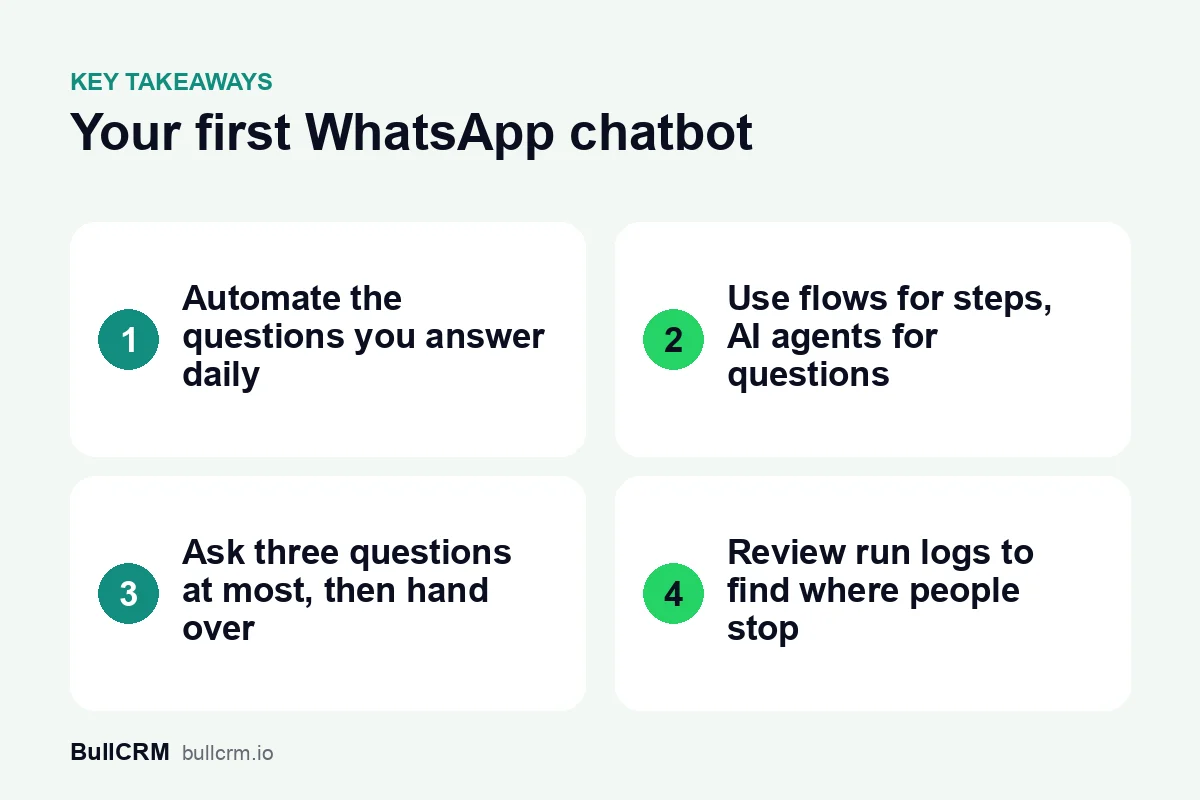
There are two kinds of automation, and most good chatbots use both. A rule-based flow follows the steps you draw: send a message, ask a question, wait for the reply, branch on the answer. An AI agent answers free-text questions using only the knowledge you give it.
- Use a flow when the path is predictable, such as collecting three details or offering a choice of courses.
- Use an AI agent when questions vary, such as "Is there parking?" or "Do you deliver to Noida?", and the answers live in your documents.
- Combine them by letting the flow handle structure and calling the AI step for open questions inside it.
In BullCRM's WhatsApp Hub, the WhatsApp chatbot builder is a visual, drag-and-drop tool, and AI agents are trained on your knowledge base, uploaded documents and FAQs. You can test an agent before it goes live, which is the step most teams skip and later regret.
Designing your first flow, step by step
Start with one flow for one job. You can add more once the first one is working and the team trusts it.
- Pick the trigger. Flows can start on a keyword, any new message, a template button, a new contact or lead, a tag or a webhook. For a first bot, "any new message" or a single keyword is simplest.
- Write a short welcome. Say who you are and what the bot can help with in two lines. Offer a way to reach a person from the start.
- Ask no more than three questions. Each extra question loses some people. Ask only what your team needs before the first human reply.
- Use a form for longer details. WhatsApp Forms built on WhatsApp Flows collect several fields inside the chat, and the answers can map straight to CRM fields.
- Update the CRM. Add a step that creates or updates the lead, so nobody copies details by hand.
- Add the handover. End with a step that passes the chat to a teammate with everything collected so far.
- Set welcome and away messages. Greet new chats and tell people outside business hours when you will reply.
Writing bot messages people actually read
Bot messages are read on a phone screen, often while the customer is doing something else. Short, plain lines keep them in the conversation.
- Keep each message under three lines, and send one question per message.
- Write the way your best salesperson talks, in the language your customers use with you.
- Confirm what you heard, such as "Got it, a 2BHK near Gomti Nagar", before asking the next question.
- Tell people how long the flow will take, for example "Three quick questions and I will connect you."
Example: qualifying property enquiries
For example, a real-estate developer in Lucknow might trigger a flow when a chat starts from a property ad. The bot asks for budget, preferred location and configuration, sends the matching brochure, and hands qualified buyers to a sales agent. If your enquiries come from ads, our guide to Click to WhatsApp ads for lead generation covers how to keep the ad source on each lead.
Example: answering course enquiries
A coaching institute might let an AI agent trained on its prospectus answer fee and eligibility questions at any hour. A WhatsApp Form then collects the student's name, course and preferred intake, and a counsellor follows up. Our article on WhatsApp for education admissions goes further into reminders and parent updates.
How to hand off from bot to human without losing the customer
The handover is where most chatbots fail. The customer has already answered three questions, and the worst thing a person can do is ask them all again.
- Pass the context. The agent should see the answers, the lead record and a short summary before typing.
- Make takeover easy. In the WhatsApp shared team inbox, any teammate can take over a conversation from an automation or AI agent with one click.
- Tell the customer. A line such as "Priya from our team will reply in a few minutes" sets expectations.
- Use internal notes. Agents can leave notes for each other inside the chat, and customers never see them.
Speed still matters after the handover. Replies inside the 24-hour customer service window are service messages, whether a bot or a person sends them. At the time of writing (October 2026), each number gets 1,000 free service messages a month, and after that each delivered service message to India costs ₹0.1438 on BullCRM; check the live WhatsApp Hub pricing page and Meta's pricing documentation for current figures. Our guide to the WhatsApp 24-hour customer service window explains what you can send once it closes.
What should you measure after launch?
Run logs show every run and the result of each step, so you can see exactly where people stop. Review them weekly for the first month, then monthly.
- Completion: how many people reach the end of the flow.
- Drop-off step: the question where most people stop answering.
- Handover rate: how often the bot passes to a person, and why.
- Time to first human reply: how long customers wait after the handover.
- Leads created: how many qualified leads the flow added to the CRM.
- Wrong answers: any AI reply your team had to correct, which points to a gap in the knowledge base.
Mistakes that make customers abandon a bot
- Hiding the option to talk to a person.
- Asking for details the customer has already given in the first message.
- Long menus with eight or nine choices instead of three.
- Letting an AI agent answer questions you never gave it information about.
- Using the bot to send unrequested promotions. Customers should opt in, as the WhatsApp Business Messaging Policy requires.
Frequently asked questions
Do I need to know how to code to build a WhatsApp chatbot?
No. Flows in WhatsApp Hub are built in a visual, drag-and-drop builder. Automatic updates sent from your own systems need a webhook, but everything else is set up without code.
What does the AI agent know?
Only what you give it: your knowledge base, uploaded documents and FAQs. Keep that material current, because outdated fees or timings will be repeated to customers.
Can a chatbot update my CRM?
Yes. Flows can run CRM actions, such as creating or updating leads, as part of the conversation. That keeps chat details and lead records in step without manual entry.
How many chatbots can I run?
The Starter and Growth plans include up to 10 chatbots and automation flows, and Enterprise includes up to 25. Most businesses start with one or two well-built flows.
Pick one repeated question your team answers every day and build a flow for it this week. You can try WhatsApp Hub free for 30 days and publish your first chatbot without writing code.