Blog post
WhatsApp for Education Admissions: A Counsellor's Playbook
Map your admission cycle to WhatsApp: AI answers for course questions, forms for applicant details, one counsellor inbox and timely deadline and fee reminders.
WhatsApp for education admissions works best as one shared number where counsellors answer course enquiries quickly, collect applicant details through forms inside the chat, and send timely reminders about deadlines, fees and results. Students and parents already use WhatsApp every day, so it removes the friction of email chains and missed calls. The goal is not more messages but fewer lost applicants.
This playbook follows a typical admission cycle, from the first "What are the fees?" message to the welcome note after enrolment. The examples suit coaching institutes, schools, colleges and skill-training centres alike.
Why are admissions teams moving enquiries to WhatsApp?
Admissions run in short, intense bursts. An institute may receive most of its yearly enquiries in the weeks after board results or just before a new batch starts. During those weeks, missed calls and unread emails turn directly into empty seats.
WhatsApp suits this pattern for three reasons:
- Applicants reply faster on a chat app they check all day than on email.
- Parents join the conversation easily, often from their own phone.
- Forms and documents can be shared without asking anyone to load a website on a slow connection.
The catch is scale. One counsellor on a personal phone can handle a few dozen chats, not a few hundred. That is where the WhatsApp Business Platform, a shared inbox and some automation come in.
How does WhatsApp fit each stage of the admission cycle?
Map your cycle before you set anything up. Each stage needs a different kind of message, and the type of message decides whether you need an approved template and what it costs.
| Stage | Typical message | Who sends it | Tool |
|---|---|---|---|
| Enquiry | Course, fee and eligibility questions | AI agent, then counsellor | Chatbot and shared inbox |
| Application | Name, course, intake and contact details | Applicant | WhatsApp Form |
| Counselling | Call slot, document checklist | Counsellor | Inbox with internal notes |
| Deadlines | Last date, entrance test, results | Admissions office | Broadcast template |
| Fees | Fee due, payment request, confirmation | Accounts or counsellor | Payment request in chat |
| Enrolment | Welcome, timetable, orientation | Admissions office | Template or sequence |
For example, a coaching institute in Pune running JEE and NEET batches might automate the enquiry stage almost completely. Counsellors then spend their time on counselling and fee conversations, where a human voice matters most.
How do you answer course enquiries at 11 pm?
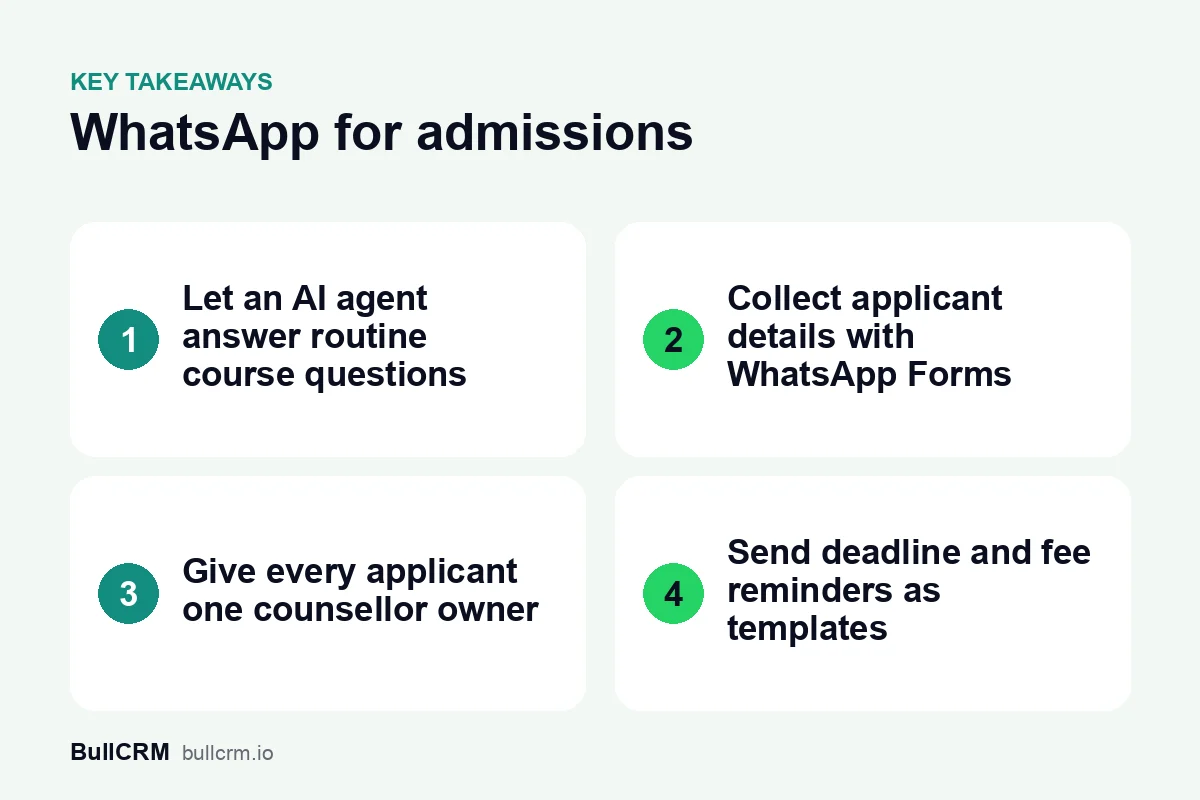
Most course questions repeat: fees, batch timings, eligibility, scholarships, hostel and location. An AI agent trained on your prospectus and FAQs can answer these at any hour, using only the information you give it. When a question goes beyond that knowledge, the chat moves to a counsellor with the history attached.
BullCRM's WhatsApp setup for education and admissions combines that AI agent with a counsellor inbox and deadline reminders on one number. If you prefer fixed menus to AI, a no-code flow with buttons such as "Fees", "Batches" and "Talk to a counsellor" works too. The step-by-step guide to WhatsApp chatbots shows how to design that first flow and the handover.
Write the knowledge base the way counsellors talk
Upload the current fee structure, batch calendar and eligibility rules, not last year's brochure. Add the questions parents actually ask, such as refund rules and study-material costs. During peak season, review the answers every week and correct anything outdated.
How do you collect applicant details with WhatsApp Forms?
Asking for details one message at a time is slow and error-prone. "Name?", "Course?" and "Which city?" become a twenty-message thread that a counsellor later retypes into a spreadsheet. A form inside the chat collects everything in one go.
WhatsApp Forms built on WhatsApp Flows open inside the chat, so applicants never leave WhatsApp. Answers can be mapped to CRM fields, which creates a lead from each submission, and responses can be exported whenever the admissions office needs a list.
Fields worth asking for first
- Applicant name and a parent's name
- Course or class applied for
- Preferred intake or batch
- City and current school or college
- Best time for a counselling call
Keep the first form short. Ask for documents and detailed academic history later, once the applicant is engaged. The lead management process guide explains how to assign, qualify and nurture these new leads once they arrive.
How do you run a counsellor inbox that parents trust?
Parents notice when they have to repeat themselves to a new person every time they message. A shared team inbox fixes that by giving each applicant an owner, with the full conversation and internal notes visible to the team.
- Give every chat an owner, with round-robin rules or by hand, so the engineering counsellor handles engineering enquiries.
- Use internal notes for details like "father prefers calls after 7 pm" or "waiting for Class 12 marks". Applicants and parents never see them.
- Save quick replies for document checklists, the campus address and fee instalment options.
- Set away messages so late-night enquiries get an honest reply time.
Agree a response-time target for the peak weeks, such as a first reply within 15 minutes during office hours. Review it daily, because a backlog that starts on Monday is unmanageable by Thursday.
How should you send deadline, fee and result reminders?
Reminders are where WhatsApp earns its keep. A last-date reminder two days before the deadline, sent to applicants who have not finished, recovers students who simply forgot. Most reminders are business-initiated messages sent outside the 24-hour customer service window, so each one needs an approved template.
Messages are charged per delivered message, by template category and the recipient's country. At the time of writing (October 2026), BullCRM charges ₹0.1438 for a Utility message to an Indian number and ₹0.9494 for a Marketing message; the live WhatsApp rates by country show current figures. An open-day invitation is promotional while an update on an application already started is not, so check which category each template is approved under. Meta's message template documentation covers how templates are created and reviewed.
For example, a reminder to 800 applicants with 760 delivered would cost about ₹109 if the template is approved as Utility, and about ₹722 if it is Marketing. The category, not the length of the message, drives the bill.
Send reminders to segments, not to your whole list. The guide to WhatsApp broadcast best practices covers segmentation, timing and frequency in detail.
Following up applicants who went quiet
Some applicants start a form, ask two questions and then disappear. A timed follow-up can bring some of them back without a counsellor having to remember each one. In WhatsApp Hub, sequences chain messages and wait steps of up to 24 hours each, so a gentle nudge can go out two or three days later.
Keep each nudge specific to where the applicant stopped, such as "Your form is half done" or "Counselling slots for Saturday are open". Once the 24-hour window has closed, the nudge must be an approved template.
Collecting fees inside the chat
For institutes in India, WhatsApp Pay requests over UPI let a counsellor send a fee payment request straight from the inbox. Payment status updates automatically when Meta confirms it, and staff can also mark it complete by hand. This relies on the UPI payment configuration in your Meta account, so set that up with your accounts team first.
What about parent updates and consent?
Once a student enrols, WhatsApp becomes the easiest channel for timetable changes, holiday notices, exam schedules and results. Parents must opt in to receive these messages, just like applicants. Record when and how each person opted in, and honour opt-outs promptly.
Student and parent details are personal data, and many applicants are minors. Read the data protection framework published by MeitY and review your consent process with a legal advisor. Collect only what admission requires, and limit each counsellor's access to their own applicants where possible.
Frequently asked questions
Can a chatbot answer fee and course questions?
Yes. An AI agent answers from the course details, fee structure and FAQs you add to its knowledge. Keep that information current during admission season, and route anything it cannot answer to a counsellor.
Can applicants fill in an application form on WhatsApp?
Yes. WhatsApp Forms collect details inside the chat, and answers can be mapped to CRM fields so each submission becomes a lead. Keep the first form to five or six fields and request documents later.
Can several counsellors use one WhatsApp number?
Yes. A shared team inbox lets counsellors work the same number with assignment rules and internal notes. Applicants keep messaging one familiar number while the team divides the work behind it.
Can parents pay fees through WhatsApp?
In India, counsellors can send WhatsApp Pay requests over UPI from the inbox, using your Meta UPI payment setup. Other payment gateways and payment links are not part of WhatsApp Hub's in-chat payments today.
Admissions teams that reply fast, collect details cleanly and remind consistently fill more seats with the same counsellors. Map your cycle, automate the repetitive enquiries first, then add forms and reminders before the next intake. Compare WhatsApp Hub plans and pricing to find the right fit for your admissions team.