Blog post
WhatsApp 24-Hour Window: What You Can Send and When It Closes
What opens the WhatsApp 24-hour customer service window, what you can send inside and outside it, what replies cost and how to answer before it closes.
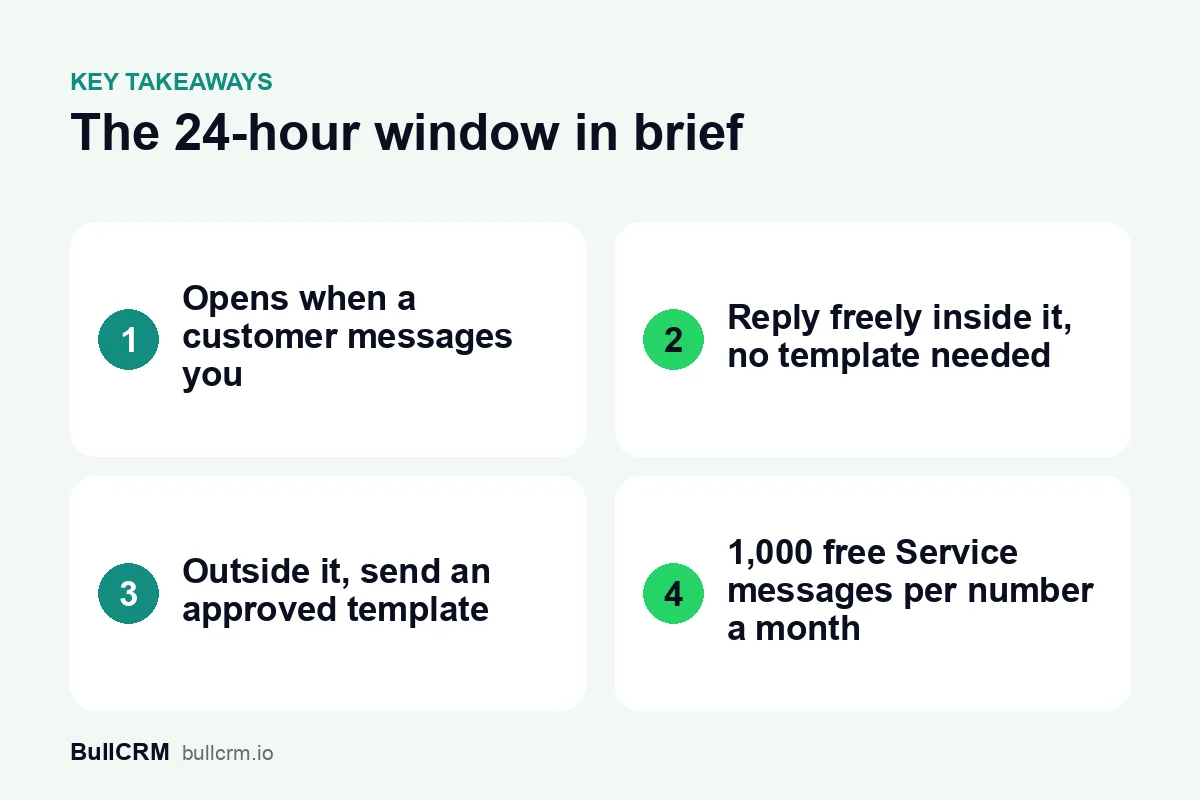
The WhatsApp 24-hour window, officially the customer service window, opens when a customer messages your business on the WhatsApp Business Platform. While it is open, your team can reply with normal messages and no template. Once it closes, you can only reach that customer with an approved template. How the window works decides how fast your team needs to reply, what replies cost and where automation should step in.
What opens the 24-hour customer service window?
The window opens when a customer sends you a message. That might be a question typed into a new chat, a pre-filled message sent from your website link or QR code, or a reply to one of your templates.
The clock runs from the customer's latest message, so each new message from them starts a fresh 24 hours. A sales chat that goes back and forth all afternoon stays open until a day after the customer's last reply. Meta's guide to conversation types is the authoritative reference on how windows are counted.
Chats that start from Click-to-WhatsApp ads
When a customer messages you from a Click-to-WhatsApp ad on Facebook or Instagram, a free entry period applies. At the time of writing (October 2026), it lasts 72 hours and does not use your monthly free Service allowance. It changes what those messages cost, but ad leads still expect a quick answer.
What can you send inside the window, and what needs a template?
Inside the window, a business can reply much as a person would. Outside it, every business-initiated message needs an approved template, whatever its purpose.
| Inside the 24-hour window | Outside the window | |
|---|---|---|
| What you can send | Normal replies: text, images and documents | Approved templates only |
| Who started it | The customer, by messaging you | Your business |
| Billing category | Service | Marketing, Utility or Authentication, set by the template |
| Example | Answering a question about delivery charges | Following up an enquiry that went quiet last week |
Templates come in three categories, and the category changes the price. Our guide to WhatsApp template categories has example templates for each one. Opt-in still applies outside the window: customers must have agreed to hear from you before you send them business-initiated messages, and the WhatsApp Business Messaging Policy covers what businesses may send.
Are replies inside the window free?
Partly. Replies inside the window are Service messages, and each WhatsApp number gets 1,000 free Service messages a month. The allowance resets monthly, and unused messages do not roll over.
Since 1 October 2026, Service messages beyond the allowance are charged. For Indian numbers, BullCRM's Service rate is ₹0.1438 per delivered message, and rates for other markets are on the WhatsApp rates by country page.
For example, a support team that sends 2,500 replies a month from one number pays for 1,500 of them, which comes to ₹215.70. That is small next to a single Marketing broadcast, so the real cost of a slow reply is usually the lost conversation rather than the fee.
Why does reply speed matter so much?
The window turns slow replies into extra cost and lost customers. Reply within it and you can answer freely. Miss it and you need an approved template just to say "sorry for the delay", by which time the customer may have moved on.
For example, a furniture showroom in Indore might get a delivery-date question at 8 pm on Saturday. If the team checks WhatsApp only on Monday morning, the window has closed and the follow-up needs a template. Meanwhile the buyer may have ordered from a competitor who replied on Sunday.
Weekends, festival holidays and shift changes are where windows usually close. Look at when chats actually arrive across a normal week, then staff or automate those hours first.
Set a response-time target you can keep
A target well inside 24 hours gives you a safety margin. A practical starting point is a first reply within an hour during business hours, plus an automatic reply outside them. Measure it every week and adjust staffing when it slips.
Audit last month's missed windows
Before changing anything, find out where the window is closing today. A one-hour review of last month is usually enough:
- List the chats where your first reply came more than 24 hours after the customer's message.
- Note the day and hour each of those messages arrived.
- Group them: weekends, late evenings, holidays or one overloaded person.
- Fix the largest group first, with a rota change, an assignment rule or an away message.
- Repeat the review a month later to check the fix worked.
How does a shared inbox keep replies inside the window?
A shared inbox spreads chats across people, so no message waits for one person to be free. In a WhatsApp shared team inbox such as BullCRM's, chats can be assigned round-robin or kept with one owner per number.
- Smart views with live counts show a manager which chats are still waiting.
- Quick replies cut the time it takes to answer common questions.
- Internal notes let a second agent pick up a chat without asking the customer to repeat themselves.
- Follow-up reminders stop promised call-backs from slipping past the window.
- AI chat summaries help the next agent catch up on a long conversation in seconds.
Our page on WhatsApp for customer support teams shows how queues, quick replies and AI answers fit together. For assignment rules and handover habits in depth, read the WhatsApp shared inbox guide.
Where do chatbots help with the 24-hour window?
Chatbots cover the hours your team cannot. A no-code flow can greet every new chat, answer common questions and collect details, so the customer gets a useful reply while the window is fresh.
In WhatsApp Hub, WhatsApp chatbots and AI agents can start on a keyword, any new message or a new lead. AI agents answer only from the knowledge base, documents and FAQs you give them. Welcome and away messages tell customers when a person will reply, and a handover step passes the chat to your team with context.
For example, a travel agency in Kochi could let a flow answer package and visa-document questions overnight, collect travel dates and group size, and assign the chat to an agent for the morning. Because the customer's answers to the bot are new messages, the agent is still inside the window at 10 am. Our guide to building a WhatsApp chatbot for business covers designing that first flow.
What should you do when the window has closed?
Once the window closes, choose a template that fits why you are writing. A follow-up on a customer's existing order is an update, which is Utility; a nudge about a new offer is Marketing. When the customer replies, a new window opens and your team can talk freely again.
- Keep the template short and specific, and add a quick-reply button so answering takes one tap.
- Do not send offers to people who only asked a support question and never opted in to promotions.
- Automate timed follow-ups. In WhatsApp Hub, a sequence can wait, check for a reply and then send an approved template. Each wait step can be up to 24 hours, so chain several to space messages across days.
Frequently asked questions
Does the window reset if the customer writes again?
Yes. Each new message from the customer starts a fresh 24 hours. Your own messages do not extend it.
Does sending a template open the window?
No. The window opens when the customer messages you. If they reply to your template, the window opens from that reply and your team can continue without another template.
Can I send a broadcast to people whose window is open?
Broadcasts always use approved templates, so the open window does not change how a broadcast is sent. To answer one person inside their window, reply in the chat instead.
Do chats from Click-to-WhatsApp ads follow different rules?
They get a 72-hour free entry period, and messages in it do not count toward your 1,000 free Service messages. Treat ad leads with the same urgency as any other chat, because the click shows interest at that moment.
The 24-hour window rewards teams that answer quickly and plan their follow-ups. Start a 30-day free trial of WhatsApp Hub to set up a shared inbox and an after-hours flow for your number.