Blog post
WhatsApp Template Categories: Marketing, Utility and Authentication
How the Marketing, Utility and Authentication template categories differ, with example templates, what each costs in India and how to keep templates correctly categorised.
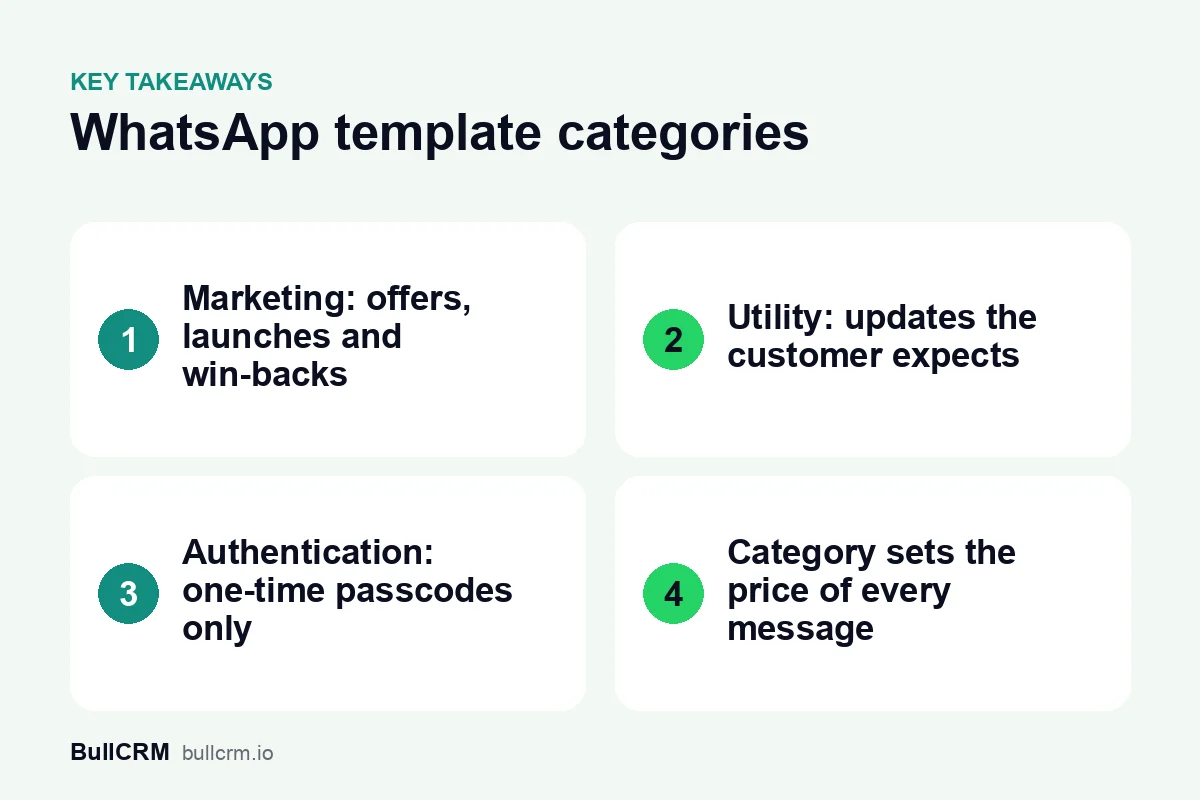
WhatsApp has three template categories: Marketing, Utility and Authentication. Marketing covers offers and announcements, Utility covers updates about something the customer already started, and Authentication covers one-time passcodes. A fourth billing category, Service, applies to your replies inside the 24-hour customer service window, where no template is needed. The category decides what each delivered message costs, so choosing it well matters for every message you send.
What is a WhatsApp message template?
A template is a pre-written message that is approved before you can send it. You need one whenever your business starts a conversation outside the 24-hour customer service window, and every broadcast uses one.
Templates can include blanks, called variables, for details such as a customer's name or an order number. They can also carry header media such as an image, and quick-reply buttons that give the customer an easy answer. Each template is submitted with one category.
| Category | Purpose | Who set it in motion | Typical example |
|---|---|---|---|
| Marketing | Promote, announce or re-engage | Your business | New collection launch |
| Utility | Update on an order, booking, payment or account | The customer, through something they started | Order shipped |
| Authentication | Verify identity with a one-time code | The customer, by asking for a code | Login passcode |
| Service (not a template) | Reply while the window is open | The customer, by messaging you | Answering a sizing question |
Marketing templates: offers, launches and win-backs
Marketing is the widest category. It covers anything that promotes a product, announces news, invites someone to an event or tries to bring back a customer who has gone quiet.
Two example Marketing templates, with variables shown in square brackets:
Hi [name], our winter collection is in store now. Show this message at our Indiranagar branch for 10% off until Sunday.
Hi [name], admissions for the [course] batch open on Monday. Reply YES and a counsellor will call you back.
Marketing messages cost the most per delivery, so they reward careful targeting. A WhatsApp broadcast in WhatsApp Hub can go to a list, a segment or your ad leads. You can then retarget only the people who did not read or reply, instead of sending to everyone again.
Utility templates: updates the customer expects
Utility templates update a customer about something already in motion: an order, a booking, a payment or an account change. A useful test is whether the customer would be confused or worried if the message never arrived.
Hi [name], your order [order number] has shipped and should reach you by [date].
Reminder: your fee instalment of ₹[amount] is due on [date]. Reply here if you need the payment details again.
Your site visit at [project] is confirmed for [date and time]. Tap Reschedule if the time no longer works.
Utility templates appear in almost every industry. A few common uses:
- A clinic confirming an appointment and sending a reminder the day before.
- A courier or logistics firm sending picked-up, in-transit and delivered updates.
- A school or coaching centre reminding parents about a fee instalment.
- A travel agency sharing a booking confirmation and itinerary.
Keep Utility templates free of promotion. A delivery update that also pushes a festive sale reads as marketing, and the content of a template should match the category you chose for it.
Authentication templates: one-time passcodes
Authentication templates deliver one-time passcodes so customers can log in, verify a number or confirm an action. They should carry the code and very little else.
[code] is your verification code. Do not share it with anyone.
For example, a fintech app or an online test-series portal might send these at every login. Write the shortest message that does the job: the customer wants the code, not a newsletter.
Good security habits matter as much as wording. Never ask a customer to send the code back to you in the chat, keep the code valid only briefly in your own system, and tell customers that your staff will never ask for it.
Where do Service messages fit?
Service is not a template category. It is the billing category for replies inside the 24-hour customer service window, which opens when a customer messages you, and your team can reply freely inside it without a template.
At the time of writing (October 2026), each WhatsApp number gets 1,000 free Service messages a month, and the allowance does not roll over. Our guide to the WhatsApp 24-hour customer service window explains what you can send inside and outside it.
Templates and Service messages often work as a pair. When a customer replies to your shipping update with a question, that reply opens the window, and your agent can continue the conversation freely without another template.
How does the category change what you pay?
Every delivered message is charged by category and by the recipient's market. Here is what 1,000 delivered messages to Indian numbers cost at BullCRM's current rates:
| Category | BullCRM rate per message | Cost of 1,000 messages |
|---|---|---|
| Marketing | ₹0.9494 | ₹949.40 |
| Utility | ₹0.1438 | ₹143.80 |
| Authentication | ₹0.1438 | ₹143.80 |
| Service | ₹0.1438 | ₹143.80, after the free allowance |
For Indian numbers, a message filed as Marketing costs about 6.6 times the same message filed as Utility. The rates page also lists a separate Authentication (international) rate of ₹3.1214, so check which rate applies to the codes you send.
For example, a fashion store in Bengaluru that sends 4,000 shipping updates a month would pay ₹575.20 if they go out as Utility, or ₹3,797.60 as Marketing. That ₹3,222.40 gap comes purely from the category, which is why Meta's pricing documentation is worth reading alongside the template rules.
Rates differ by country, sometimes sharply, so see WhatsApp rates by country for every market, and the WhatsApp Hub pricing page for plan fees. For a complete monthly bill with GST, read our breakdown of WhatsApp Business API pricing in India.
How do you get templates approved in the right category?
Every template is reviewed before it can be sent, and Meta's message template documentation sets out how each category is defined. These habits keep your templates clear and in the category you intend.
- Give each template one purpose. An order update should update and an offer should sell; mixing the two makes the category unclear.
- Use variables for details, not for the whole message. A template that is mostly blanks hides its purpose.
- Say who you are and why you are writing. The customer should know both from the first line.
- Offer a clear next step. A quick-reply button such as "Reschedule" or "Talk to us" makes replying easy.
- Keep a small library. Ten well-written templates are easier to manage than fifty near-duplicates.
- Review templates every quarter. Retire the ones nobody uses and rewrite those with low read or reply rates.
What is the risk of choosing the wrong category?
The first risk is delay: a template whose content does not match its chosen category may not be approved as submitted, and a campaign waits while you rewrite it. Check Meta's current guidelines for exactly how they handle such cases.
The second risk is trust. Promotions dressed up as updates train customers to ignore your messages, and people who feel spammed opt out. In WhatsApp Hub you create, submit and sync templates in one place, with AI help for drafting, and opt-out and compliance checks run before a broadcast goes out. For audience, timing and frequency advice, see our WhatsApp broadcast best practices.
Frequently asked questions
Can one template belong to two categories?
No. Each template is submitted with a single category. If you need both an update and an offer, write two separate templates and send each where it fits.
Is an OTP a Utility message?
No. One-time passcodes belong in the Authentication category. Use Utility for updates about orders, bookings, payments and accounts.
Is a payment reminder Marketing or Utility?
A reminder about a payment the customer already owes, with no promotion attached, is an update on something in motion, which is what Utility covers. Add a discount or an upsell and it starts to read as marketing.
Do I need a template to reply to a customer?
Not while the 24-hour customer service window is open. Inside it your team can reply freely, and those replies are billed as Service messages. You need a template only to start a conversation outside the window.
A tidy set of templates, each in the right category, keeps costs predictable and customers listening. Start a 30-day free trial of WhatsApp Hub to create and submit your first templates.