Blog post
WhatsApp CRM Integration: What to Sync and How to Set It Up
Why WhatsApp chats belong on the customer record, which data to sync, workflows that cross CRM and WhatsApp, and the steps to connect them.
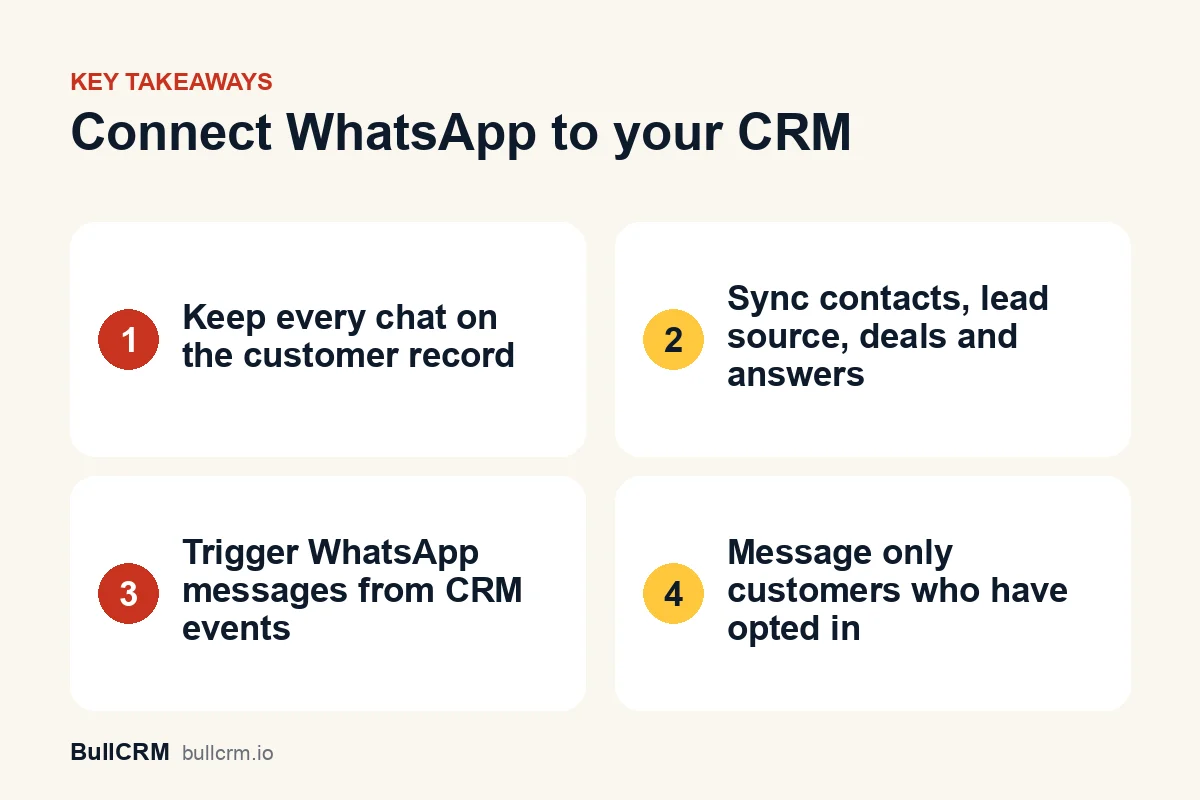
A WhatsApp CRM integration connects your business WhatsApp number to your CRM, so every chat, contact and lead source sits on the customer's record instead of on someone's phone. Done well, it syncs four things: the contact, the conversation, where the lead came from and the deals that follow. It also lets CRM events trigger WhatsApp messages, so a new lead gets a reply while the rep is still on another call. This guide explains why the link matters, what to sync, which workflows to build and how to set it up.
Why should WhatsApp chats live on the customer record?
For many Indian businesses, WhatsApp is where the real sales conversation happens, yet the CRM sees only a name and a number. When chats stay on individual phones, the business loses context every time someone goes on leave, changes role or resigns.
- Handovers break. A new rep cannot see what the customer was promised last week.
- Reviews rely on memory. Managers discuss deals without seeing the actual conversation.
- Leads go untracked. Enquiries that start on WhatsApp never become CRM leads, so source reports undercount the channel.
- Customers repeat themselves. Nobody enjoys explaining their requirement to a third person.
Moving the team onto one shared number fixes part of this. Our guide to running a WhatsApp shared team inbox covers assignment and internal notes, and connecting that inbox to the CRM fixes the rest.
What should a WhatsApp CRM integration sync?
Sync the data your team needs to act on, and skip anything that only adds noise. The table shows the essentials and why each one matters.
| Data | What should happen | Why it matters |
|---|---|---|
| Contact | A new WhatsApp number becomes a CRM contact on its first message | No manual entry and no lost numbers |
| Conversation | The chat can be opened from the lead record | Anyone picking up the account sees the history |
| Lead source | Ad leads keep the ad headline, creative and source link | You can see which campaign brought the buyer |
| Leads and deals | Reps create a lead or deal from any chat | Qualified chats enter the pipeline |
| Form answers | Answers collected in the chat map to CRM fields | Clean data without copy-paste |
| Status changes | CRM status changes can trigger WhatsApp messages | Follow-ups happen on time |
In BullCRM, WhatsApp Hub and the CRM fit together this way. Chats run in WhatsApp Hub's shared inbox, and a lead that started on WhatsApp has a button that opens the linked chat. The CRM integrations page lists what else connects, including calling, Gmail and OpenAI.
Lead source deserves special attention
If you run Click-to-WhatsApp ads on Facebook or Instagram, the ad behind each chat is the most valuable data in the integration. Leads from Facebook ads, Facebook posts, Instagram and WhatsApp status can be recorded with their source when Meta includes it in the message. Our guide to Click-to-WhatsApp ads for lead generation covers the first-reply playbook for these leads.
What do you need before connecting WhatsApp to a CRM?
A CRM integration runs on the WhatsApp Business Platform, not on the free WhatsApp Business app. Put these pieces in place first:
- A Meta Business Portfolio for your company.
- A WhatsApp Business Account (WABA) linked to that portfolio.
- A phone number for the platform. A number can be on the WhatsApp Business app or the platform, not both at once, so plan the move if your current number is on the app.
- Opt-in from customers before you send them business-initiated messages.
- Approved message templates for anything you send outside the 24-hour customer service window.
Meta's WhatsApp Business Platform overview explains the platform side. On the software side, WhatsApp Hub connects your Meta business account and phone number, then handles templates, the two-way inbox and broadcasts.
What will it cost?
Budget for two things: the software plan and WhatsApp's charges per delivered message. At the time of writing (October 2026), WhatsApp Hub plans were ₹749 a month for Starter, ₹1,199 for Growth and ₹1,499 for Enterprise, with the shared team inbox included from Growth upwards. Plan fees exclude GST, which is added on the invoice, and the current figures are always on the WhatsApp Hub pricing page.
How do you set up a WhatsApp CRM integration?
Work through these steps in order, because each one depends on the one before it. Most of them take minutes, but templates need Meta's approval before you can use them.
- Connect your number. Link your WhatsApp Business Account and phone number to your WhatsApp tool.
- Clean your CRM phone numbers. Store every number with its country code, because CRM triggers match leads and deals to WhatsApp contacts by phone number.
- Create and sync templates. Submit the templates you need for follow-ups, reminders and offers, then sync them once Meta approves them.
- Invite your team and set assignment. Add agents, then choose round-robin or single-owner rules for each number.
- Map your forms. If you collect details with WhatsApp Forms, map each answer to a CRM field so leads are created from submissions.
- Build your first flow. Start with one trigger, such as a lead being created, and one action.
- Test with your own number. Run yourself through the flow before switching it on for customers.
Which workflows connect CRM and WhatsApp best?
Once the data is connected, automation takes over the repetitive work. Flows can start when a lead is created or when a lead, opportunity or deal changes status, then assign owners, add notes, create tasks and send WhatsApp messages. The sales automation guide lists each trigger and action.
New website lead, instant welcome
A lead from your website form gets an owner, a call task and a WhatsApp welcome template. For example, a coaching institute in Pune might include the demo class timetable in that first message.
Status change, next step
When a deal moves to "Proposal sent", a flow adds a note, waits, then creates a check-in task for the owner. If the customer has gone quiet, an approved template asks whether they have questions. Our guide to sales follow-up automation has full cadences you can copy.
Ad lead, right owner
A chat from a Click-to-WhatsApp ad is saved as an ad lead with the ad attached, then given an owner and moved through statuses until it converts. A real-estate developer in Lucknow could have a chatbot ask which project the buyer wants before handing the chat to a sales executive.
Your own systems, automatic alerts
Depending on your plan, flows can accept inbound webhooks and call your own API endpoints, so a billing or booking system can trigger a WhatsApp update. There is no Zapier connector, so this route needs someone who can set up webhook calls from your system.
Which integration mistakes should you avoid?
Most problems after go-live trace back to a few setup shortcuts. Check for these before you switch on automation.
- Inconsistent phone formats. "98xxxxxxxx" and "+91 98xxx xxxxx" can end up as two records, so standardise before you connect.
- Messaging without opt-in. Customers must opt in, and the WhatsApp Business Policy applies to every message you send.
- Bots with no way out. Always include a handover step so a person can take over the chat.
- Turning every chat into a lead. That floods the pipeline, so create leads from chats that show real interest.
- Losing the lead source. If ad and website leads look the same in the CRM, you cannot compare channels.
Frequently asked questions
Do I need the WhatsApp Business Platform for a CRM integration?
Yes. A shared inbox, flows and CRM sync need a WhatsApp Business Account on the platform. A number can be on the WhatsApp Business app or the platform, not both at once, so plan the switch before you start.
Will every WhatsApp chat create a CRM lead?
In WhatsApp Hub, each new number becomes a CRM contact on its first message. Reps then create a lead or deal from the chats that show real interest, and chatbot flows can create or update leads as part of the conversation.
Can I send SMS from the CRM as well?
Not today. The CRM covers email and calls, and WhatsApp conversations run through WhatsApp Hub. Emails and calls are logged on the record, so the full history stays in one place.
Does it work with Zapier?
Not today. Depending on your plan, flows can call your own API endpoints and receive inbound webhooks to connect other systems.
A WhatsApp CRM integration pays off the first time a rep picks up a customer they have never spoken to and already knows the whole story. Connect the number, clean your phone data, build one workflow and grow from there. Start a free BullCRM trial to connect WhatsApp to your pipeline.