Blog post
What Is CRM Software? A Plain Guide for Indian Businesses
CRM software keeps every lead, customer, deal and follow-up in one shared place. Here is what it stores, who needs it and how to start in 30 days.
CRM software (customer relationship management software) is a shared system where a business records every lead, customer, deal, task and conversation, so the whole team works from the same up-to-date information. Instead of contacts living in personal phones and follow-ups living in someone's memory, a CRM shows who the customer is, what was said and what happens next. For a growing Indian business, it is often the first tool that turns sales from individual habits into a repeatable process.
This guide explains what a CRM stores, who needs one, the signs you have outgrown spreadsheets, and how to choose and start one without a long project.
What does CRM software actually do?
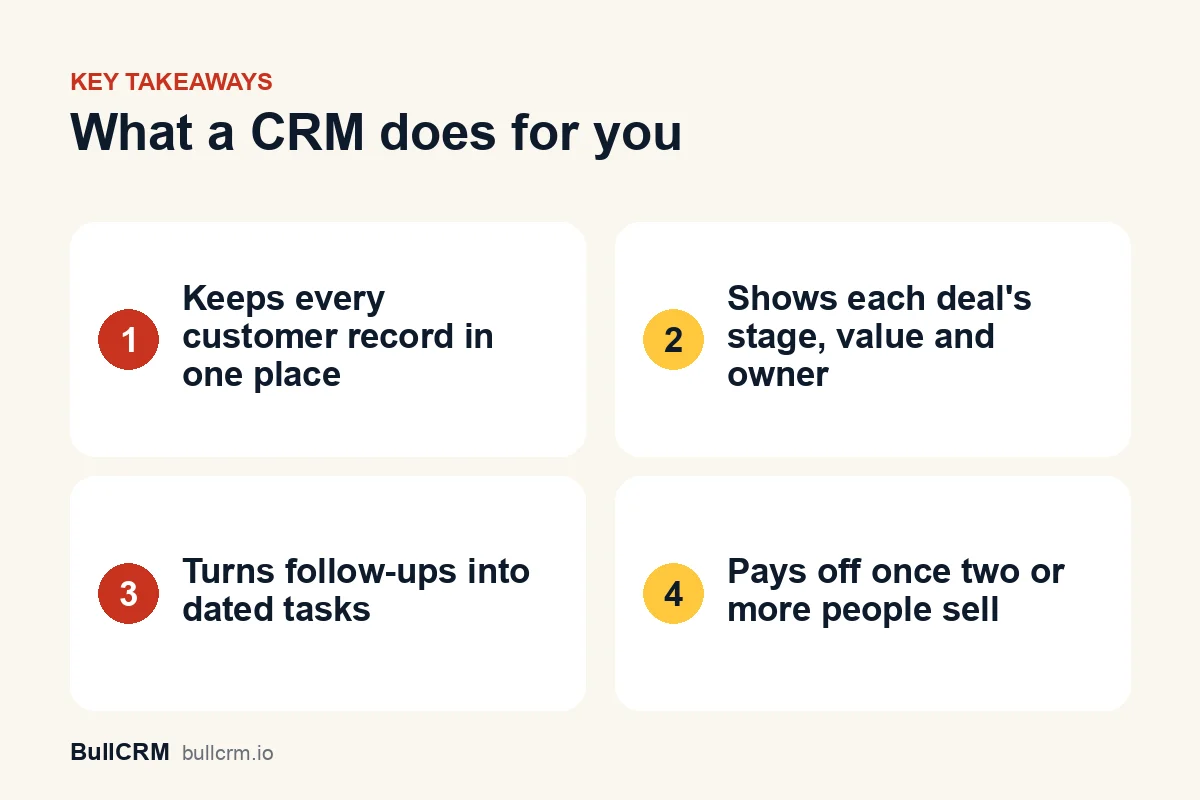
At its core, a CRM does three jobs. It keeps customer information in one place, it tracks where each sale stands, and it reminds people what to do next. Reports, automation and integrations all build on those three.
- One record per customer. Calls, emails, notes, files and meetings sit on a single timeline.
- A visible pipeline. Every open deal has a stage, a value and an owner.
- Clear next steps. Tasks and meetings with due dates stop follow-ups from slipping.
- Shared access with control. The team sees what it needs, and roles decide who can view or edit each record.
What a CRM is not
A CRM will not generate leads by itself, and it does not replace your accounting software. It also cannot fix a sales process nobody has agreed on. It makes an existing process visible and consistent, which is why defining your stages comes before buying anything.
What information does a CRM store?
Most CRMs organise information into a handful of connected record types. Knowing them helps you set the system up properly and judge whether a product fits the way you sell.
| Record | What it holds | Example |
|---|---|---|
| Lead | A person or business showing interest, not yet qualified | A visitor who filled in your website enquiry form |
| Account | The company you sell to | A manufacturing unit in Ludhiana |
| Contact | A person at that account | The unit's purchase manager |
| Opportunity or deal | A specific sale you are pursuing, with a value and a stage | A ₹4.5 lakh annual maintenance contract |
| Task | A to-do with an owner and a due date | Send the revised quote by Friday |
| Meeting | A scheduled conversation | A demo at the client's office on Tuesday |
The records link to each other. A deal belongs to an account, involves contacts and carries the tasks and meetings needed to close it. Spreadsheets struggle with exactly this, because one customer ends up spread across five tabs.
In BullCRM's CRM, for instance, leads, opportunities, deals, accounts, contacts, tasks and meetings live in one workspace, with role-based access and activity history on every record.
Who needs a CRM?
Any business where more than one person talks to customers, or where a sale takes more than one conversation, benefits from a CRM. That covers most B2B companies and many consumer businesses with considered purchases.
- Service firms, such as a CA practice or a digital agency, tracking proposals and renewals.
- Manufacturers and distributors handling dealer enquiries and repeat orders.
- Education businesses, such as a coaching institute in Pune fielding hundreds of enquiries each batch.
- Real estate and automotive sellers, where buyers take weeks to decide.
- D2C brands managing corporate gifting or bulk orders alongside retail sales.
A solo consultant with ten long-standing clients may not need one yet. Once leads come from several sources and two or more people follow up, the cost of losing track grows quickly.
What are the signs you have outgrown spreadsheets?
Spreadsheets are a reasonable place to start. They stop working when the team grows or enquiry volume rises, and the symptoms are easy to spot.
- You discover a lead was never called only when they tell you they bought elsewhere.
- Two salespeople contact the same customer with different prices.
- A rep leaves, and their customer history leaves with their phone.
- Your weekly sales meeting starts with "let me check and get back to you".
- Nobody can say how many leads came from last month's ads or trade fair.
- Follow-up dates live in personal calendars, sticky notes or chat reminders.
| Need | Spreadsheet | CRM |
|---|---|---|
| Who owns this lead? | A column someone may forget to fill | An owner on every record, with reassignment |
| What happens next? | Depends on each person's memory | Tasks and meetings with due dates |
| What was said last time? | Scattered across phones and inboxes | One activity timeline per record |
| Who can see what? | Anyone with the file sees everything | Role-based access |
| How are we doing? | Manual pivot tables before each meeting | Dashboards that update as work is logged |
If three or more of these sound familiar, a CRM will likely earn its cost through recovered follow-ups alone. Our guide to building a lead management process lists the steps a CRM should enforce once you switch.
How do you choose the right CRM?
Start with how you sell today, not with a feature checklist. A tool with a hundred features your team never opens is worse than a simpler one they use every day.
Questions to ask before you buy
- Does it match your sales stages? You should be able to name your own deal stages and lead statuses. See how configurable pipeline management handles stages, sources and custom fields.
- Can you bring your data in? Look for CSV or Excel import with field mapping, and remove duplicates before you import.
- Does it connect to how customers reach you? For many Indian businesses that means WhatsApp, website forms and phone calls.
- Are permissions role-based? Managers, reps and support staff usually need different access.
- What does it really cost? Check users included, record limits, storage and add-ons, not just the headline price.
Pricing models vary widely between vendors. The breakdown of CRM pricing in India explains per-user pricing, plan limits, yearly discounts and GST.
Remember your duty of care for customer data
A CRM holds personal data about customers and prospects, such as names, phone numbers and email addresses. Choose a product with role-based access, and read the Indian data protection framework published by MeitY so your team understands its obligations. Take specific compliance questions to your legal advisor.
How do you get started with a CRM in the first 30 days?
The biggest risk is not choosing the wrong CRM. It is setting one up and then nobody using it, so keep the first month small and focused on habits.
- Week 1, define your pipeline. Write down four to six stages a deal moves through and what must be true to move forward. The guide to sales pipeline stages helps you write those exit criteria.
- Week 1, import clean data. Bring in active leads and customers only, and archive the rest.
- Week 2, assign owners. Every open lead and deal gets one named owner.
- Weeks 2 and 3, log every activity. Calls, emails and meetings go on the record, not in personal notes.
- Week 4, review from the CRM. Run the weekly sales meeting from the pipeline view instead of a spreadsheet.
Most CRMs offer a trial, which is the right moment to test this plan with real leads. At the time of writing (October 2026), BullCRM offers a 30-day trial, and its Starter plan is listed at ₹1,999 a month for up to three users, excluding GST. Check current CRM plans and pricing for the latest figures.
Frequently asked questions
What is the difference between a CRM and a spreadsheet?
A spreadsheet stores rows of data, while a CRM links leads, accounts, contacts, deals, tasks and meetings and tracks activity on each one. A CRM also controls who sees what and reminds owners about next steps. Spreadsheets work for a few dozen contacts but break down as the team grows.
Is CRM software only for sales teams?
No. Sales teams use it most, but support staff, account managers and founders all benefit from seeing the full customer history. Anyone who talks to customers should be able to read past conversations before the next one.
How long does it take to set up a CRM?
A small team can be working in a CRM within a week if it keeps the setup simple. Define stages, import clean data and assign owners first. Add custom fields and automation once the basics are a habit.
Do small businesses really need a CRM?
If two or more people handle customers, or leads come from several sources, a CRM usually prevents lost follow-ups and duplicate outreach. A very small business with a handful of repeat clients can wait until volume grows.
CRM software is a shared memory for your customer relationships, with a clear next step on every deal. Pick one that matches how you sell, keep the first month simple and build habits before adding automation. You can try BullCRM free for 30 days and set up your pipeline with your own leads.