Blog post
7 Free Entry Point Mistakes That Cost You WhatsApp Ad Leads
Late replies, notes instead of messages, desktop clicks and more: seven Free Entry Point mistakes that make Click-to-WhatsApp ad leads cost more, with a fix for each.
The Free Entry Point window can make every message to a Click-to-WhatsApp ad lead free for days, but only if your team handles the first hours correctly. Most of the money lost on ad leads comes from a handful of avoidable mistakes. Here are seven of them, what each one costs you, and how to fix it.
All the rules below come from Meta's WhatsApp Business Platform pricing page. For the full explanation of the window, read our guide to the WhatsApp Free Entry Point window.
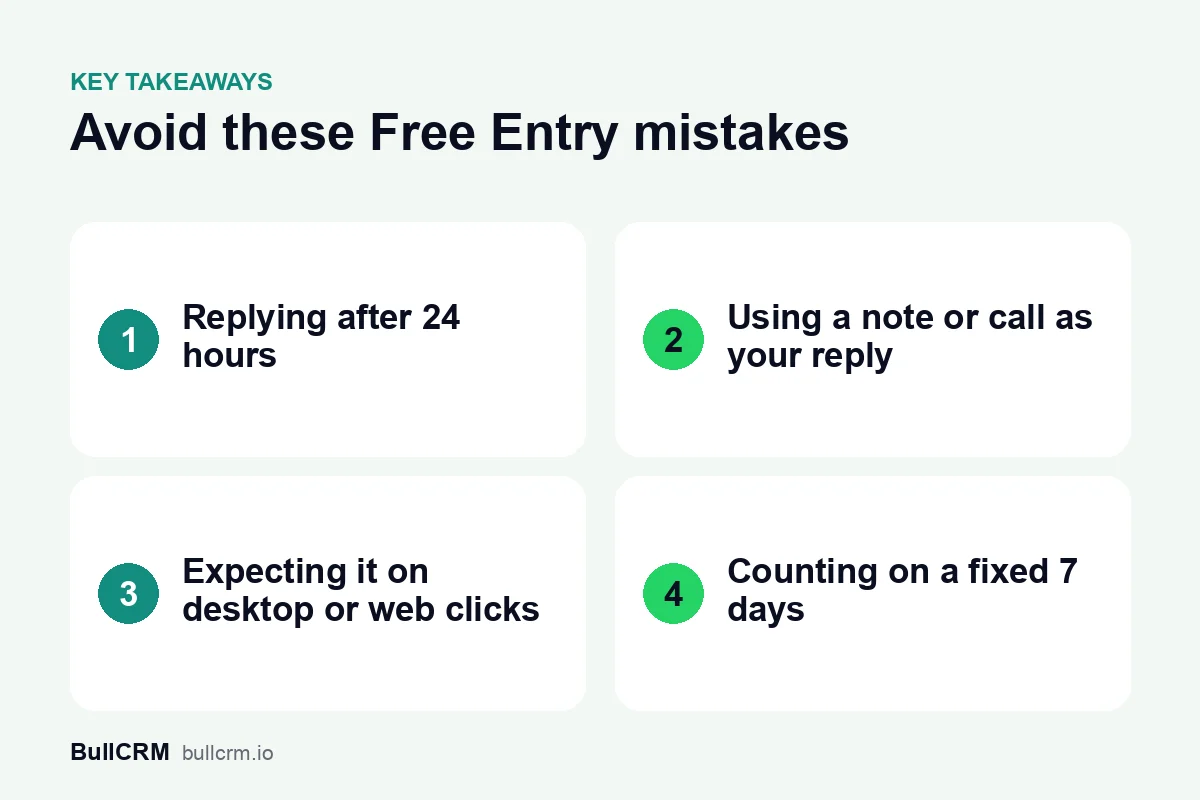
1. Replying after 24 hours
The window opens only if you reply within 24 hours of the customer's message from your ad. Reply on day two and no window opens at all. By then the 24-hour customer service window has also closed, so your "sorry for the delay" has to be an approved template, charged at the normal rate.
Fix: make the first reply automatic outside working hours with a WhatsApp chatbot. A welcome flow that greets the lead and asks one question counts as your reply.
2. Treating a note or a call as your reply
Only a message that reaches the customer in the WhatsApp chat counts. An internal note for a colleague, a phone call or an email does not open the window, even if it happens within minutes.
Fix: agree that the first touch for every ad lead is a WhatsApp message in the chat. Call afterwards if you like, once the reply has gone.
3. Assuming every ad click opens a window
Meta supports the window only when the customer messages you from the ad on a phone running the WhatsApp Android or iOS app. Its desktop and web apps are not supported, so a lead who taps your ad on a laptop gets normal pricing.
Fix: plan budgets on the assumption that some ad chats will not get the window, and check the chat before treating it as free.
4. Counting on a fixed 7 days
Meta says the window "may remain open for up to 7 days". That is a maximum, not a guarantee, and it runs from the time of your first reply, not from the customer's first message. Older guides that quote a fixed 72 hours are out of date in the other direction.
Fix: look at the time left on each chat. In the Bellow shared team inbox, chats with an open window carry a Free Entry badge that shows how long remains.
5. Sending free-form messages after the customer goes quiet
The Free Entry window controls cost, not what you are allowed to send. Free-form messages still need the 24-hour customer service window, which restarts only when the customer writes to you. After 24 hours of silence, you can send only approved templates, even though they are still free while the Free Entry window is open.
Fix: keep two or three approved follow-up templates ready for ad leads, each with a quick-reply button so the customer can restart the conversation in one tap. Our guide to WhatsApp template categories helps you choose the right category.
6. Thinking everything in the window is free
Meta does not charge for marketing, utility, authentication or service messages while the window is open. It lists one exception: messages from Meta Business Agent, Meta's own AI agent product, are still charged. And once the window closes, every template you send is charged at the normal rate again; see WhatsApp rates by country.
Fix: do your follow-ups while the window is open, and check your usage afterwards. In Bellow, wallet usage lists Free Entry messages separately from charged ones.
7. Expecting the window on chats that did not come from an ad
Meta describes the Free Entry window for chats that start from an ad that clicks to WhatsApp. A customer who writes to you from a link on your website, a QR code in your shop or a button on your site opens a normal 24-hour customer service window, with normal pricing.
Fix: keep ad leads and other chats apart in your reports. In Bellow, the chat shows where it came from, and reports count messages from free entry points for any date range.
A quick checklist for every ad lead
| Check | Why it matters |
|---|---|
| First reply sent in the chat within 24 hours | No reply in time means no free window |
| Reply sent as a WhatsApp message, not a note or call | Only messages that reach the customer count |
| Time left on the Free Entry badge checked before follow-ups | The window lasts up to 7 days, not always 7 |
| Approved templates ready for when the customer goes quiet | Free-form messages need the 24-hour window |
| Ad source saved on the lead | Lets you judge each ad on the leads it produced |
For a step-by-step example of handling one lead through the week, read our playbook for replying to Click-to-WhatsApp ad leads.
Frequently asked questions
Can I open the window by messaging the lead first?
No. The window opens only when you reply to a message the customer sent you from your ad.
Does the customer's reply extend the free window?
Their reply restarts the 24-hour customer service window. Meta gives no rule for extending the Free Entry window, which may remain open for up to 7 days from your first reply.
Are Free Entry messages and the 1,000 free service messages the same thing?
No. Meta lists them as two separate cases where it does not charge: messages in the Free Entry window, and the first 1,000 service messages each phone number sends a month. In Bellow, wallet usage shows the two separately.
Avoiding these seven mistakes keeps ad leads cheap to follow up and quick to answer. Start a free trial of Bellow to see the Free Entry badge and ad source on every chat from your ads.