Blog post
WhatsApp Free Entry Point: How the Free Ad Window Works
What opens the WhatsApp Free Entry Point window after a Click-to-WhatsApp ad, when it starts, how long it lasts, which messages are free and how it fits with the 24-hour window.
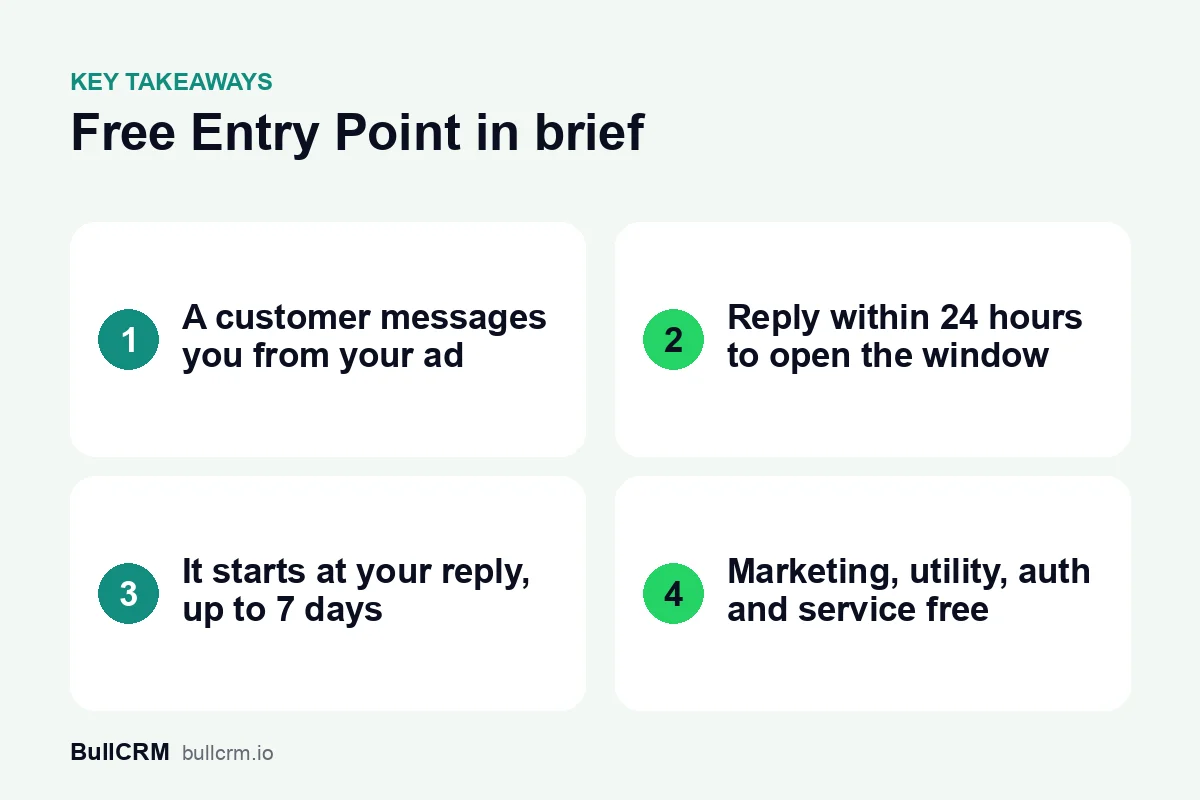
The WhatsApp Free Entry Point window, often shortened to FEP, is a period when Meta does not charge for the messages you send to a lead who came from a Click-to-WhatsApp ad. It opens only when you reply in time, it starts from your reply, and Meta says it may stay open for up to 7 days. Knowing exactly how it works decides whether your ad leads cost you nothing to follow up or start costing money from the first day.
What is the WhatsApp Free Entry Point window?
It is a free messaging window tied to one chat. When a customer taps an ad that clicks to WhatsApp and you answer within 24 hours, Meta stops charging for the messages you send that customer for as long as the window stays open.
It sits alongside the normal 24-hour customer service window. The customer service window decides what you can send without a template. The Free Entry Point window decides whether you pay for what you send. Meta describes both on its WhatsApp Business Platform pricing page, which is the authoritative source for everything in this guide.
What opens a Free Entry Point window?
Three things have to happen, in this order:
- The customer taps an ad that clicks to WhatsApp and sends you a message from it.
- They do it on a phone running the WhatsApp Android or iOS app. Meta states that its desktop and web apps are not supported, so a click from a laptop does not open a window.
- You reply within 24 hours, while the customer service window that their message opened is still running.
Your first reply can be a marketing, utility, authentication or service message. Meta does not charge for that reply, and it is the reply that opens the window.
Meta describes the window only for chats that start from ads that click to WhatsApp. A chat that starts from your website link, a QR code or a button on your site opens a normal customer service window instead, and normal pricing applies.
Only a real message counts as your reply
The window opens when a message from your business reaches the customer in that chat. Anything that never reaches WhatsApp does not count. An internal note left for a colleague in your team inbox, a phone call or an email to the lead will not open the window, however quickly you do it.
When does the window start, and how long does it last?
The window starts at the time you reply, not when the customer first messaged you. If a lead writes at 9 pm and your team answers at 10 am the next morning, the window runs from 10 am.
Meta's pricing page says the window "may remain open for up to 7 days". Treat 7 days as the longest it can last, not a promise for every chat. Many older guides, including some that are still online, describe a fixed 72 hours; that figure no longer matches Meta's wording.
Because Meta sets the length of each window, the safest habit is to read the time left on the chat itself rather than counting days on a calendar. In Bellow, a chat with an open window carries a Free Entry badge that shows how long it has left.
Which messages are free while the window is open?
While the window is open, Meta does not charge for marketing, utility, authentication or service messages sent to that customer. That includes approved templates as well as normal replies.
| Message type | Charged while the window is open? |
|---|---|
| Marketing (offers, launches, reminders about a sale) | No |
| Utility (order updates, appointment details) | No |
| Authentication (one-time passcodes) | No |
| Service (free-form replies inside the 24-hour window) | No |
| Meta Business Agent messages | Yes, Meta still charges for these |
Meta Business Agent is Meta's own AI agent product, and its messages are the one exception Meta lists. Two more details from Meta's page are worth knowing:
- Meta lists the window and the free tier of 1,000 service messages per phone number each month as two separate cases where it does not charge.
- Utility and authentication messages sent in the window do not count toward Meta's volume tiers.
- The window is tracked for your business and that WhatsApp user as a pair, not for one individual messaging account.
The ad itself is a separate cost. You still pay Meta for the ad through Meta Ads Manager.
How does it work alongside the 24-hour customer service window?
The two windows run on separate clocks, and mixing them up is the most common source of confusion. The 24-hour window restarts every time the customer sends you a message. The Free Entry Point window starts at your first reply, and Meta gives no rule for extending it beyond its maximum of 7 days.
| 24-hour customer service window | Free Entry Point window | |
|---|---|---|
| Opens when | The customer messages you | You reply within 24 hours to a chat from your ad |
| Length | 24 hours from the customer's latest message | Up to 7 days from your first reply |
| Controls | Whether you can send free-form messages | Whether you pay for the messages you send |
| After it closes | Only approved templates can be sent | Normal per-message pricing applies |
So there are three states a chat from your ad can be in:
- Both windows open: reply freely, and pay nothing.
- Free Entry open, 24-hour window closed: the customer has gone quiet for a day. You need an approved template to write to them, but the template is still free.
- Both windows closed: you need a template, and it is charged at the normal rate for its category. Current rates are on the WhatsApp rates by country page.
Our guide to the WhatsApp 24-hour customer service window explains the free-form rules in more depth, and WhatsApp template categories helps you pick the right template when the customer goes quiet.
How does Bellow show the Free Entry window?
Bellow tracks the window on each chat so your team does not have to work it out:
- A Free Entry badge in the shared team inbox marks chats with an open window and shows the time left.
- The ad origin is shown on the chat, so an agent can see the lead came from an ad before replying.
- A clear notice when the 24-hour window closes tells the agent that free-form replies are blocked but approved templates are still free while Free Entry is open.
- Wallet usage lists Free Entry messages separately from charged messages and from your monthly free service messages, so you can see what each one cost.
- Reports count messages from free entry points for any date range.
To get ad chats into a shared inbox in the first place, see our guide to Click to WhatsApp ads for lead generation.
Frequently asked questions
Is the Free Entry Point window always 7 days?
No. Meta says it may remain open for up to 7 days. Check the time left on each chat instead of assuming the full 7 days.
Does my first reply cost anything?
No. If you reply within 24 hours to a chat that came from your ad, Meta does not charge for that reply, and the reply opens the window.
What happens if I reply after 24 hours?
No Free Entry window opens. The customer service window has also closed by then, so you can only send an approved template, and it is charged at the normal rate.
Does a click from a laptop open the window?
No. Meta supports the window only for ad chats started on its Android or iOS apps, not on WhatsApp desktop or web.
Can I send free-form messages for the whole 7 days?
Only while the 24-hour customer service window is also open. Once the customer has been quiet for 24 hours, you need an approved template, though it stays free while the Free Entry window is open.
The Free Entry Point window rewards teams that answer ad leads quickly and plan their follow-ups. Start a free trial of Bellow to see the Free Entry badge on your own ad chats.