Blog post
WhatsApp for Ecommerce: Order Updates from Checkout to Review
A stage-by-stage plan for WhatsApp order messages, from confirmation and COD checks to delivery, returns, reviews and reorders, with wording you can adapt.
For an online store, the hours between "Place order" and "Delivered" decide whether a customer comes back. WhatsApp is a natural place for that conversation: the customer already uses it, every update sits in one thread, and if something goes wrong they can simply reply. This guide maps the messages worth sending at each stage of an order and how to word them.
Why order updates belong in a conversation
An email or a text message is a one-way notice. A WhatsApp message is the start of a conversation. That changes what you can do:
- Customers can answer. "Can you deliver after 6?" arrives as a reply, not as a support ticket.
- One thread holds the history. Confirmation, tracking, delivery and support all sit in the same chat, for the customer and for your team.
- Buttons speed things up. "Confirm", "Change address" or "Track order" are one tap away.
The order journey, stage by stage
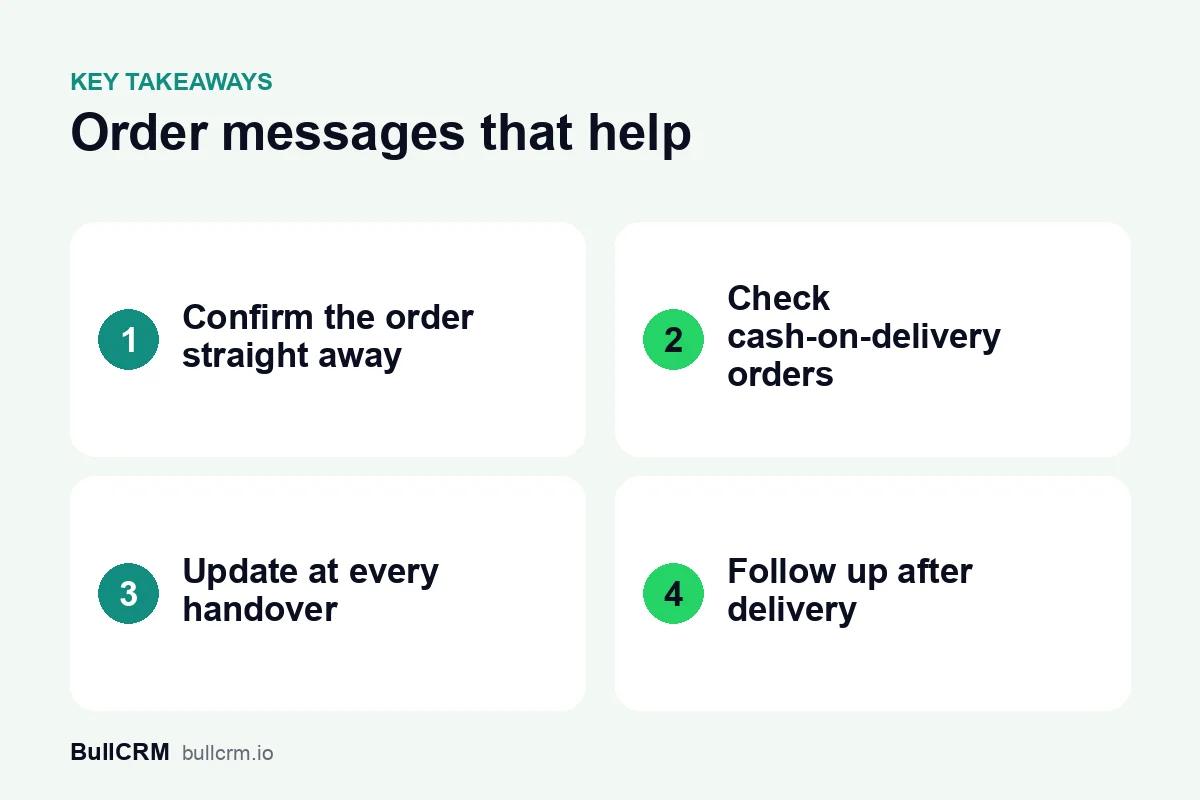
1. Order confirmation
Send it as soon as the order is placed. It reassures the customer that the order went through and opens the thread for later updates.
Hi [Name], we have your order [Order number] from [Store] and it is being packed. All updates will come to this chat.
2. Cash-on-delivery confirmation
For cash-on-delivery orders, a quick confirmation before dispatch helps you catch mistaken or duplicate orders before they cost you a delivery attempt.
Hi [Name], please confirm your cash-on-delivery order [Order number] from [Store]. Tap Confirm to ship it, or Cancel if you no longer need it.
Orders that are not confirmed within your chosen time can get one reminder, then go to your team for a call.
3. Payment
If the customer pays in the chat, send the payment request and confirm when it succeeds. Our guide to UPI payments on WhatsApp covers that flow in detail.
4. Shipped
Your [Store] order [Order number] has shipped. Follow it here: [Tracking link]. Reply to this chat if you have any questions.
5. Out for delivery and delivered
Your [Store] parcel is with the delivery partner today, [Name]. If you will not be available, reply here and we will see what we can do.
Order [Order number] has been delivered. Everything as expected? Tap Yes, or tell us what went wrong.
6. Returns and exchanges
Make the return path a reply away. A customer who can explain the problem in a chat is far more likely to accept an exchange than one who has to search for a returns page.
We have received your return request for [Product]. Our team will confirm the pickup date here shortly.
7. Review and reorder
A few days after delivery, ask for feedback. For products that run out, such as skincare or groceries, a reminder around the time of the next purchase is often welcome.
Hi [Name], how are you finding your [Product]? Your feedback helps us improve: [Review link].
More wording ideas for every stage are in our template examples library.
Answer "Where is my order?" without a queue
Order status questions are the most common chat in most stores. Two things keep them under control:
- A bot for the routine questions. A WhatsApp chatbot can look up the order and reply instantly, and hand over to a person when the question is unusual.
- A shared inbox for the rest. When several people answer chats, a shared team inbox stops two agents replying to the same customer.
Keep updates separate from offers
Order updates are messages the customer expects. Keep them focused on the order and save offers for separate marketing messages sent to people who opted in. Mixing a discount into a delivery update blurs the purpose of the template; our guide to template categories explains why that matters.
Plan the after-sale messages as a sequence
Delivery check, review request and reorder reminder are a natural sequence. Instead of sending them by hand, set them up once as an automated follow-up; our guide to WhatsApp drip campaigns shows how to plan the timing and the stopping points.
How Bellow supports ecommerce
Bellow connects your WhatsApp catalog so customers can browse and place orders in the chat, and those orders arrive in Bellow. You can send payment requests and see their status, and Journeys can start automatically when a catalog order is placed, a product enquiry comes in, an order is completed, or a payment is paid, failed or still pending. Chats from every stage land in one shared inbox, and AI agents can call your own system's API, for example to look up an order's status.
Frequently asked questions
Which order messages matter most?
Confirmation and delivery updates. They answer the two questions every customer has: did my order go through, and when will it arrive?
Should I confirm cash-on-delivery orders on WhatsApp?
Many stores do, because a one-tap confirmation before dispatch helps filter out orders the customer did not mean to place.
Can customers reply to order updates?
Yes. A reply arrives in your inbox like any other chat, which is one of the main reasons to send updates on WhatsApp.
Should I add offers to delivery messages?
It is better to keep updates about the order and send offers separately to customers who agreed to receive them.