Blog post
How to Collect UPI Payments and Orders on WhatsApp
How businesses in India take UPI payments and catalog orders inside WhatsApp chats: setup, carts, payment status, the right templates and what never to ask for.
To collect UPI payments on WhatsApp, a business in India sends the customer a payment request inside the chat, linked to a UPI payment setup in its Meta account. The customer pays from a UPI app on their phone and the payment status comes back to the conversation. A catalog lets customers choose products and send an order first.
How do payments on WhatsApp work in India?
Meta's Payments API for India lets businesses accept payments through the UPI apps installed on a customer's phone, and through other methods such as cards, NetBanking and wallets when a payment gateway is involved. The business sends an order details message, which works like an invoice inside the chat, and the customer pays from it. Meta's Payments API for India overview is the authoritative reference.
At the time of writing (November 2026), Meta's documentation describes three ways to connect payments, and the right one depends on your payment gateway:
| Integration mode | How it works | Payment gateways named by Meta |
|---|---|---|
| UPI Intent and Payment Links | You bring your own gateway; an order details message opens the customer's UPI app | Any gateway that supports UPI Intent or payment links |
| Payment Gateway Deep Integration | Your gateway account is linked to Meta, and payment status and refunds come through WhatsApp | Razorpay, PayU, Billdesk and Zaakpay |
| Enhanced Payment Links | A template carries a payment link, which WhatsApp shows as a payment card with in-app checkout | Razorpay, PayU and Cashfree |
In Bellow, payments inside the chat use WhatsApp Pay over UPI, linked to the UPI payment configuration in your Meta account. Your team sends the request from the inbox, and the payment status updates when Meta confirms it. Razorpay, Stripe and payment links are not supported inside the chat today. The WhatsApp Payments page shows the full feature.
What do you need before you take payments in chat?
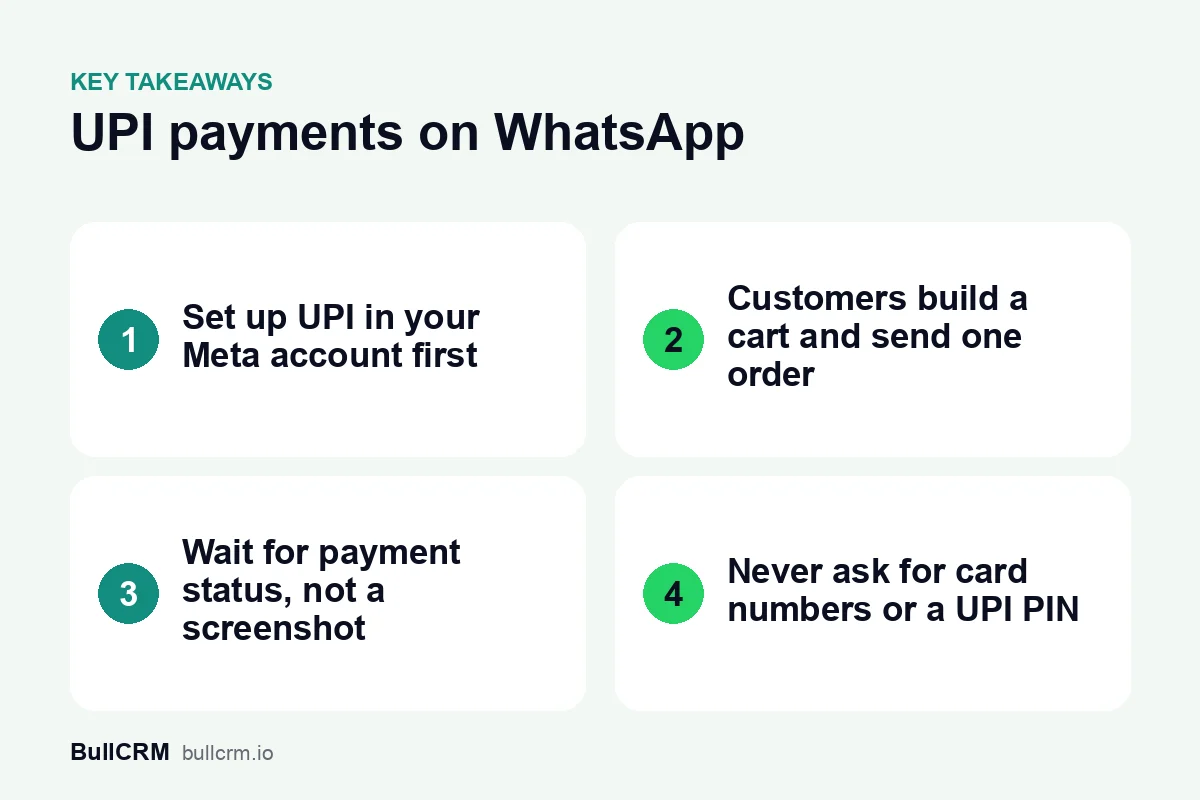
Most of the work happens before the first request goes out. Set these up in order:
- A number on the WhatsApp Business Platform. Bellow sends payment requests and product messages through the platform, so your number must be connected to it. Our guide to the WhatsApp Business app versus the API explains the difference.
- A UPI payment configuration in your Meta account. Payment requests link to it, so set it up first.
- A clean catalog. List one product for each item a customer can actually buy, with clear names, prices and photos. Bellow can sync your Facebook catalog so you manage products in one place.
- Clear order statuses. Agree what each status in My Orders means, so every agent gives the same answer.
- Rules for who sends requests. Decide who may send payment requests and check every amount against the order before it goes out.
- A policy check. Read the WhatsApp Business Messaging Policy for your category, because some goods and services are restricted.
How does an order move from catalog to payment?
A WhatsApp catalog is the list of products or services you upload to Meta, each with a name, description, price, images and availability. Customers browse it inside the chat instead of visiting a website. According to Meta's catalogs overview, you can share products in several formats:
- Catalog messages invite the customer to browse your whole catalog.
- Single-product messages highlight one item with its image, price and description.
- Multi-product messages show a selection of up to 30 products in sections.
- Product carousels show products as cards the customer scrolls sideways.
When cart functionality is on, customers add products to a cart and send it as one order. Meta allows up to 99 units of each item in a cart, and a sent cart cannot be edited, so a customer who wants changes sends a new one. Businesses cannot send carts to customers; you share products and the customer builds the cart.
For example, a saree shop in Surat could run the whole sale in one conversation:
- A customer asks about cotton sarees for a family function.
- The agent sends a multi-product message with the cotton range instead of a long price list.
- The customer adds two sarees to the cart and sends the order, which arrives in My Orders.
- The agent confirms colours and delivery, then sends a WhatsApp Pay request over UPI from the inbox.
- The customer pays from their UPI app, the status updates once Meta confirms it, and the agent moves the order to its next status.
How do you know a payment went through?
In Bellow, the payment status updates automatically when Meta confirms the payment. Until then, treat the order as unpaid. A screenshot from the customer is not proof of payment, so wait for the status to change, or check your bank, before you dispatch anything.
Some customers will pay another way, such as cash at the counter. Staff can mark a payment complete by hand so your records still match. Payments and orders stay in the conversation history, so anyone on the team can see what was ordered, what was requested and what was paid.
Review the numbers once a week. Compare payment requests sent with payments confirmed, look for orders stuck in one status, and count the payments marked complete by hand. Each gap points to a step worth fixing.
Which messages should go with a payment request?
When the customer has messaged you in the last 24 hours, your team can reply freely, including sending products and the payment request. Outside that window, a business-initiated message needs an approved template. Our guide to the WhatsApp 24-hour window explains the rule.
The template category matters too. Meta's template categorisation guidelines say a template is Utility only when it is non-promotional and specific to the customer, such as an update on their order, account or transaction. A template that mixes an order update with a promotion is treated as Marketing. In practice:
- "Your order is confirmed, please complete the UPI payment using the request in this chat" is an order update.
- "Your order is out for delivery" is an order update.
- "Our new festive range is here" is Marketing, and it should only go to customers who agreed to hear about offers.
Our guide to WhatsApp template categories has more examples, and the WhatsApp opt-in guide covers collecting permission before you message customers.
What should you never ask for in a chat?
The WhatsApp Business Messaging Policy tells businesses not to share or ask people to share full-length payment card numbers, financial account numbers, personal ID card numbers or other sensitive identifiers. A WhatsApp Pay request removes the need for any of them.
- Never ask a customer for a card number, CVV, UPI PIN or full bank account details.
- Never send a payment request for an amount the customer has not agreed in the chat.
- Do not list restricted goods. The policy names categories such as alcohol and tobacco, drugs, and medical and healthcare products, with limited exceptions in some countries.
- Handle refunds and complaints in the same conversation, so the full history stays on record.
How does a team handle payments from a shared inbox?
Payments work best when several people can pick up a chat without losing context. In a WhatsApp shared team inbox, chats can be assigned round-robin or kept with one owner per number, and internal notes let one agent tell another what a customer ordered without the customer seeing it.
Quick replies help with questions that come before payment, such as delivery areas and timings. WhatsApp chatbots and AI agents can answer those from the knowledge base and FAQs you give them, then hand the chat to a person for the order. When a new range arrives, a WhatsApp broadcast with an approved Marketing template can tell opted-in customers, and the replies come back to the same inbox. Our page on WhatsApp for sales teams shows how these pieces fit together.
Frequently asked questions
Can customers pay by card on WhatsApp?
Meta's Payments API supports cards, NetBanking and wallets through a payment gateway. In Bellow, payments inside the chat use WhatsApp Pay over UPI, so plan another route for customers who want to pay by card.
Can I send a ready-made cart to a customer?
No. Meta does not let businesses send carts. Share products in a catalog, single-product or multi-product message, and the customer adds items and sends the order.
What happens when a product sells out?
Update its availability in your catalog. Meta removes the item from any cart it is in and shows it as unavailable in product messages already sent.
Can customers outside India pay over WhatsApp Pay?
WhatsApp Pay over UPI is for India, so customers paying from abroad need another payment route.
Payments in the chat save your team from chasing screenshots and copying amounts by hand. Start a free trial of Bellow to connect your catalog and send your first UPI payment request.