Blog post
How to Reply to Click-to-WhatsApp Ad Leads in the Free Window
Follow one Click-to-WhatsApp ad lead from first tap to follow-up: what to send first, how to qualify while both windows are open and which follow-ups stay free.
A lead who taps your Click-to-WhatsApp ad has just shown interest, and Meta gives you a strong reason to answer fast. Reply within 24 hours and that reply opens a Free Entry Point window, during which Meta does not charge for the messages you send that lead. This playbook walks through one ad lead from the first tap to the last follow-up, so your team knows what to send at each stage and what it costs.
Why does the first reply matter so much?
Your first reply does two jobs. It answers a customer who is waiting, and it opens the Free Entry Point window. Meta's pricing page sets out the rule: when someone messages you from an ad that clicks to WhatsApp on the Android or iOS app and you respond within the customer service window, that response is not charged and opens the window, starting from the time you responded.
Miss the 24 hours and you lose both. The lead has had a day to go elsewhere, and you can now reach them only with an approved template that is charged at the normal rate.
If you need a refresher on the rules themselves, read our explainer on the WhatsApp Free Entry Point window first.
An ad lead from first tap to follow-up
Here is how one lead might move through a week. A home-interiors studio in Pune runs a Click-to-WhatsApp ad for modular kitchens. Priya taps it on her phone on Monday at 7:40 pm and asks for prices.
| When | What happens | What you can send | Charged by Meta? |
|---|---|---|---|
| Mon 7:40 pm | Priya messages from the ad | Anything, within 24 hours | - |
| Mon 7:41 pm | An after-hours flow greets her and asks her kitchen size | Free-form reply | No, and this reply opens the Free Entry window |
| Tue 11:00 am | A designer sends price ranges and photos; Priya replies with questions | Free-form replies | No |
| Wed 11:30 am | Priya has not written for 24 hours | Approved templates only | No, while Free Entry is open |
| Wed 4:00 pm | The studio sends a template offering a site-visit slot; Priya replies | Free-form again, for 24 hours from her reply | No |
| After Free Entry closes | Any further follow-up | Templates outside the 24-hour window | Yes, at the normal rate for the category |
Two things stand out. The window started at 7:41 pm, when the flow replied, not at 7:40 pm when Priya wrote. Her replies on Tuesday and Wednesday restarted the 24-hour window each time. The Free Entry window is different: Meta says it may remain open for up to 7 days from your first reply, so the exact closing time can vary from chat to chat.
What should the first reply say?
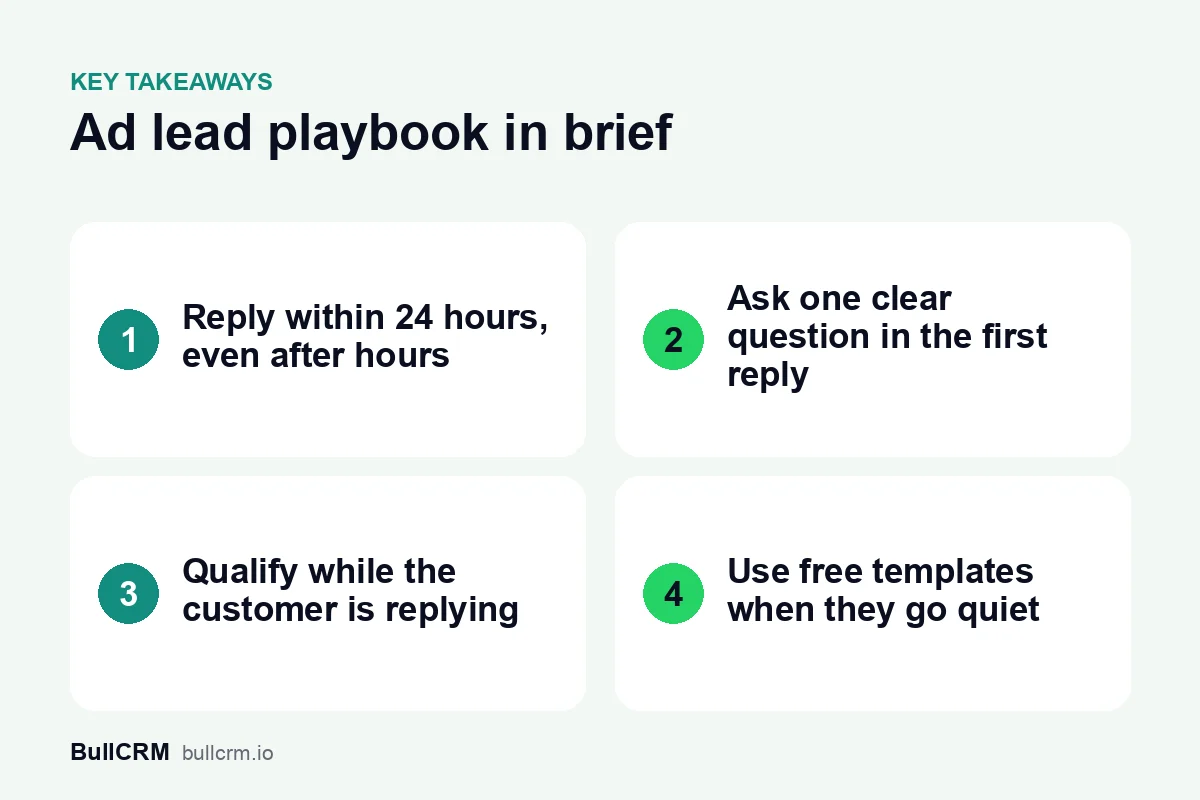
The first reply should be fast, personal and easy to answer. A greeting on its own wastes the moment; a single clear question moves the conversation forward.
- Thank them and mention the ad. "Thanks for asking about our modular kitchens" shows you know why they are writing.
- Ask one qualifying question. Size, budget, city or preferred date, whichever matters most for your next step.
- Offer quick-reply buttons where you can. One tap is easier than typing on a phone.
- Say when a person will reply if it is outside working hours.
Any message you send in the chat counts as your reply, including one sent by a chatbot. That is why an after-hours flow is so useful: it opens the window at night so your team starts the morning with the free time already running. An internal note left for a colleague does not count, because it never reaches the customer.
How do you qualify the lead while both windows are open?
The first day or two, while the customer is still replying, is the best time to qualify. Both windows are open, so your team can send normal messages, photos and documents and pay nothing for them.
- Confirm what they want and roughly when.
- Collect the details your sales team needs, such as location and budget, and save them on the lead.
- Share one useful thing: a price range, a catalogue, a short video.
- Agree the next step, such as a call, a visit or a quote, and set a follow-up reminder for it.
Saving the ad source on the lead at this stage lets you judge each ad on the leads it produced, not just on clicks. Our guide to Click to WhatsApp ads for lead generation covers that in detail.
What do you send when the lead goes quiet?
When the customer has not written for 24 hours, the customer service window closes and free-form messages are no longer allowed. If the Free Entry window is still open, approved templates remain free, so this is the cheapest moment to follow up.
- Pick the template that fits the reason. Details of a visit they booked are an update; a festive discount is marketing. Our guide to WhatsApp template categories has examples of each.
- Add a quick-reply button so restarting the conversation takes one tap. When the customer replies, the 24-hour window opens again.
- Keep it relevant. Follow up on what they asked about, not on everything you sell.
- Check the time left before you send. Once the Free Entry window closes, the same template is charged at the normal rate.
How do you set up your team so no ad lead waits?
Ad leads arrive whenever your ad is shown, including evenings and weekends. A few settings keep the first reply inside 24 hours without anyone watching the phone all day:
- A shared team inbox spreads new chats across the team. In Bellow, chats can be assigned round-robin so no lead waits for one person. See the WhatsApp shared inbox guide for assignment rules.
- An after-hours flow built with WhatsApp chatbots greets new chats and collects details overnight. Our guide to building a WhatsApp chatbot covers the first flow.
- The Free Entry badge in the Bellow inbox shows which chats came from an ad and how much free time is left, so agents can prioritise them.
- Quick replies for price, location and timing questions cut the time to answer.
Frequently asked questions
Does an automatic welcome message open the Free Entry window?
Yes. Any message your business sends to the customer in that chat within 24 hours counts as your reply, whether a person or a flow sends it.
If the customer replies on day three, what changes?
Their reply restarts the 24-hour customer service window, so you can send free-form messages again. Meta does not say that a reply extends the Free Entry window, which may remain open for up to 7 days from your first reply, so keep checking the time left.
Are follow-up templates free?
Yes, while the Free Entry window is open. Meta does not charge for marketing, utility, authentication or service messages during the window. After it closes, templates are charged at the normal rate for their category.
What if the lead tapped the ad on a laptop?
Meta does not open a Free Entry window for chats started on WhatsApp desktop or web. Reply just as quickly; normal pricing applies to that chat.
A fast, useful first reply and a planned follow-up turn ad taps into conversations without adding message costs. Start a free trial of Bellow to route your ad leads into a shared inbox with an after-hours flow.