Blog post
Lead Assignment Rules: Round Robin, Fixed Owner or By Source?
Round robin, fixed owner or routing by source: how each lead assignment method works, when it fits and how to set rules for forms, chats and imports.
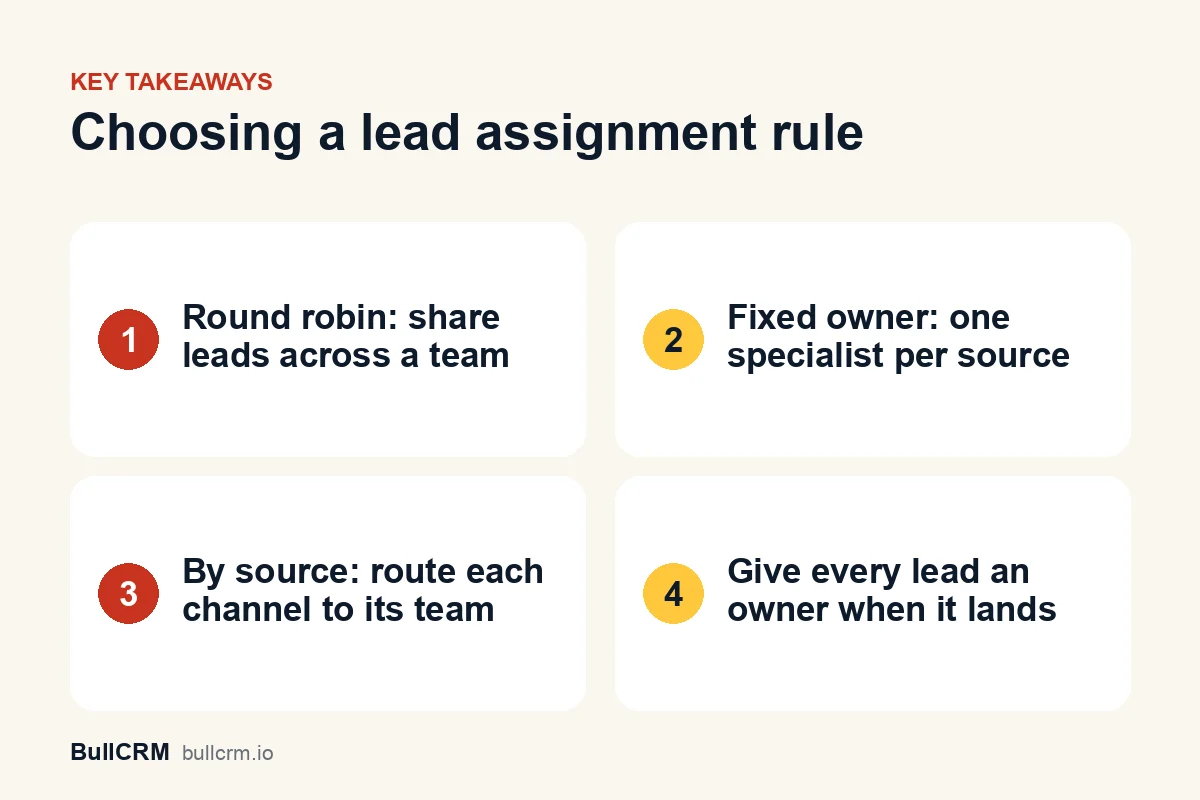
Lead assignment rules decide which salesperson owns each new lead. The three common methods are round robin, which rotates leads across a team; fixed owner, which sends a source to one person; and routing by source, which sends each channel to its own team. Choose a rule for every source so no lead arrives without an owner.
Why does every new lead need an owner?
A lead without an owner is nobody's job. Everyone can assume someone else will call, and the enquiry can wait until the customer has bought elsewhere. An owner also makes your reports honest: when every lead belongs to someone, you can see who is overloaded, who converts and where leads are stuck.
Assignment rules matter most for leads that arrive on their own, from website forms, WhatsApp chats and ads, often outside office hours. In BullCRM, for example, a web form with no owner rule leaves its new leads without an owner, so the rule is the difference between a lead that is worked and one that sits in a list. Our guide to the lead management process covers what owners should do once a lead is theirs.
What are the main lead assignment methods?
You do not have to choose one method for the whole business. Pick one per source, and mix them as your team needs.
| Method | How it works | Best when | Watch out for |
|---|---|---|---|
| Round robin | Each new lead goes to the next person in a list, in turn | Several people can handle any enquiry | People on leave still receiving leads |
| Fixed owner | Every lead from a source goes to one named person | One specialist handles that product, region or language | A single point of failure when that person is busy or away |
| By source | Each form, number or ad goes to its own owner or team | Different teams sell different things | Sources nobody remembered to route |
| Least busy | The lead goes to the team member with the fewest open conversations | Support-style chats where workload varies | Fast closers being sent more work than slow ones |
| Manual | A manager reads each lead and picks an owner | Low volumes or high-value enquiries | Leads waiting while the manager is busy |
When should you use round robin?
Round robin suits teams where anyone can take any enquiry: inside sales, admissions counsellors or a showroom team sharing one WhatsApp number. Leads are shared evenly by count, so nobody can pick the best ones and new team members get the same chances as everyone else.
For example, a coaching institute in Pune could rotate website enquiries across three counsellors, so the evening rush is shared instead of landing on whoever checks the inbox first.
The weakness is that round robin is blind to everything except order. It does not know that one person is on leave or already has thirty open follow-ups. Keep the list of people in the rotation current, and check each person's open leads weekly.
When is a fixed owner better?
A fixed owner works when one person really is the right answer: the only salesperson who speaks Tamil, the key-account manager for a large customer or the founder handling partnership enquiries. The customer always reaches the same person, and that person builds context over time.
The risk is concentration. Name a backup, and agree how leads move while the owner is away, before the first holiday rather than during it.
How does routing leads by source work?
Routing by source means each channel has its own rule. Leads from the admissions form go to counsellors, leads from the franchise form go to the franchise manager, and chats from a Click-to-WhatsApp ad campaign go to the team that runs it. Within each source you can still use round robin or a fixed owner.
Source routing depends on the lead source being recorded correctly. Give each form, WhatsApp number and ad a clear source name, and our guide to Click-to-WhatsApp ads for lead generation explains how the ad behind each chat is saved on the lead.
How do assignment rules work in BullCRM?
BullCRM sets assignment in four places, one for each way leads arrive.
Web forms
Each form has its own owner rule. Choose a fixed owner, or rotate leads round robin across users whose designation is marked as team lead and who have access to leads. Users whose login is disabled are left out of the rotation. A form with several owner rules uses them in order, and the first rule that finds an owner wins. Our page on web forms that create CRM leads shows the builder, and the guide to turning web forms into CRM leads covers field mapping.
The WhatsApp inbox
In Bellow, each WhatsApp number has its own assignment rules for new conversations:
- A single assignee, so every new chat on that number goes to one person.
- Round robin across the users mapped to that number, in order.
- Previous handler, which overrides the rule above and sends a returning customer to the agent who last handled their chat.
- Contact owner, which overrides the rule above and sends the chat to the WhatsApp contact's owner, or the owner of the linked CRM contact.
Anyone with inbox access can still assign a chat by hand. When your account includes the CRM, assigning a chat by hand also links it to a CRM lead, creating one if needed, with that agent as the lead owner. The WhatsApp shared team inbox page shows these rules in action.
Automation flows
Flows let you route on conditions. A flow can branch on a condition, such as the lead source, and then use one of these actions:
- Assign lead makes a named user the owner of the contact's linked lead.
- Transfer to team gives the chat to the member of a team with the fewest open conversations, among those who can use the WhatsApp inbox.
- Transfer to human agent gives the chat to a named user.
Flows only fill an empty chat assignment; a chat that already has an assignee keeps it. Read more on sales automation and on WhatsApp chatbots that hand chats to your team.
Imports and bulk changes
A spreadsheet import gives every row the same owner, which defaults to the person importing. To share an imported list, split the file by owner or reassign leads in bulk from the lead list afterwards. Our guide to importing leads from Excel walks through both.
How do you set up lead assignment step by step?
- List every source. Write down each form, WhatsApp number, ad campaign and import that brings in leads.
- Pick a method per source. Round robin for shared enquiries, a fixed owner for specialist ones, a team for support-style chats.
- Define the pool. Decide exactly who is in each rotation, and set it up: team-lead designations for web forms, mapped users for a WhatsApp number, team members for flows.
- Name a backup. Agree who takes over a fixed owner's leads during leave.
- Test each rule. Submit a test form and send a test WhatsApp message, then check who received each lead.
- Review weekly. Look at leads by owner and by source on your CRM dashboards, and check that every new lead has an owner.
Frequently asked questions
What is round-robin lead assignment?
Round robin gives each new lead to the next person in a fixed list, then starts again at the top. Everyone in the list receives leads in turn.
What should happen to leads when someone is on leave?
Take the person out of the rotation before they go, for example by removing them from a WhatsApp number's mapped users, and reassign their open leads in bulk to a named backup.
Can a returning customer reach the same salesperson?
Yes. On a WhatsApp number you can turn on the previous handler or contact owner option, so a returning customer's chat goes to the person who already knows them.
Can I assign leads based on where they came from?
Yes. Give each web form and WhatsApp number its own rule, or build a flow that checks the lead source and assigns the lead to the right person.
Clear rules mean every lead has someone working it from the first minute. Start a free trial to set owner rules for your forms and WhatsApp numbers.